
Fax Services
Fax Services gives you cloud faxing, send and receive faxes with no fax machine and no analog line. You create a fax service, point a phone number at it, and inbound faxes are delivered to the destination you choose, retained for as long as you configure.
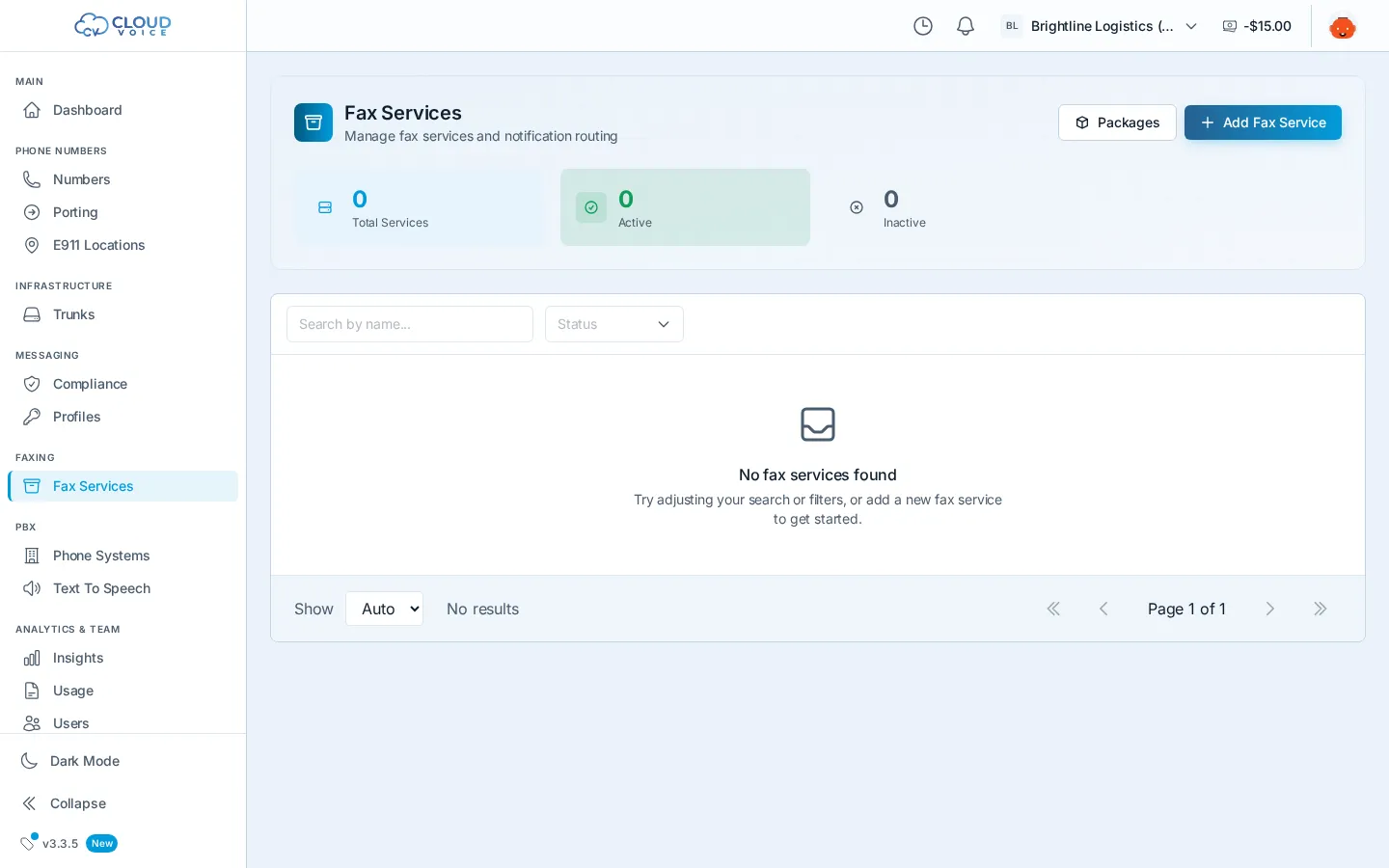
Add a fax service
Section titled “Add a fax service”- Go to Faxing → Fax Services and click Add Fax Service.
- Service details: give the service a name and choose how long received faxes are retained, then click Next.
- Confirm & create: review the details and click Create Service.
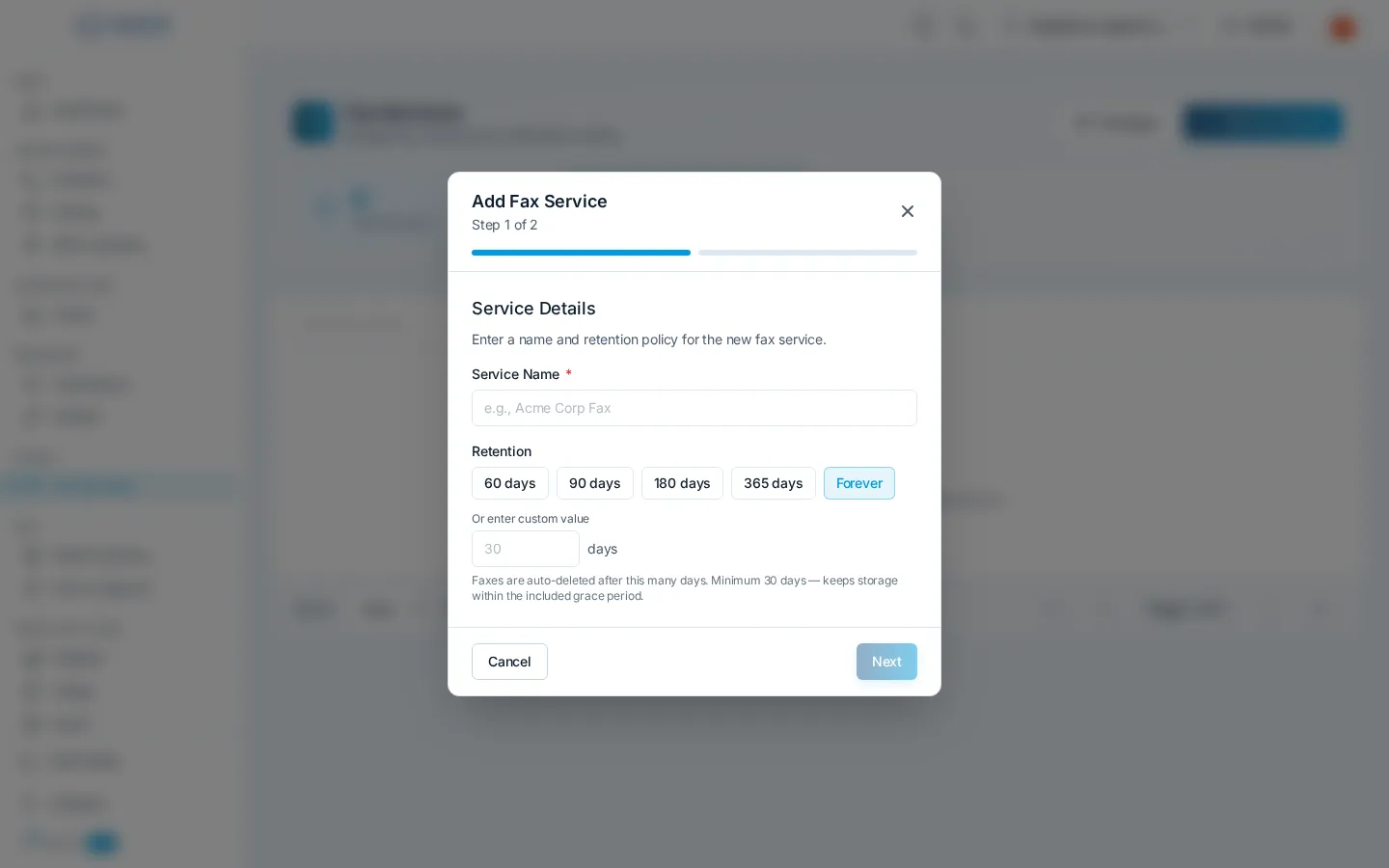
The service appears in your list along with its delivery destination.
Give it a number
Section titled “Give it a number”A fax service needs a phone number to receive on. Open a number on the Numbers page and set its routing to your fax service. Need a dedicated fax line? Purchase a new number and route it the same way, or port in your existing fax number.
Receive faxes
Section titled “Receive faxes”Once a number is routed to the service, inbound faxes are received in the cloud and delivered to your chosen destination automatically, for example, straight to an email inbox. Received faxes are kept for the retention period you set when creating the service.
Send a fax
Section titled “Send a fax”Detailed steps coming soon.
Fax contacts
Section titled “Fax contacts”Detailed steps coming soon.
Question about this page?
Ask the AI assistant. It starts from this page, then searches the rest of the docs.
Ask Cloud Voice AI
Answers are AI-generated from the docs and may contain mistakes. Verify with the linked pages.