
Hardware Store
The Hardware Store lets you buy IP phones, headsets, and accessories for your business directly from the dashboard, no separate vendor account needed. Browse the catalog, add items to your cart, check out with a shipping address, and track every order through delivery.
Browse products
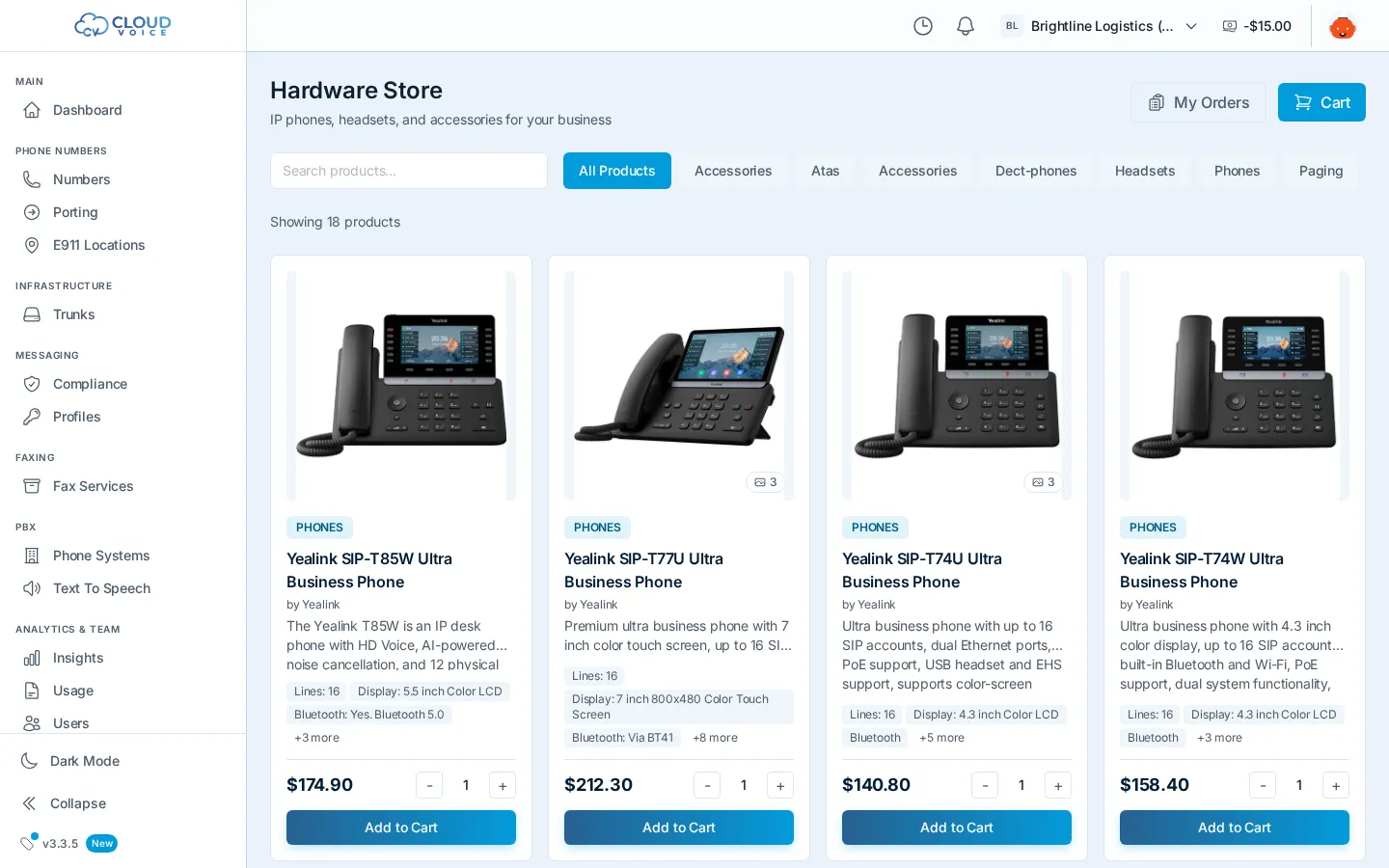
Section titled “Browse products”- Search for a specific model or accessory by name.
- Filter by category to compare options side by side, each product card shows its name, price, and image.
- Your current filters are reflected in the URL, so you can share a filtered view with a teammate.
Cart and checkout
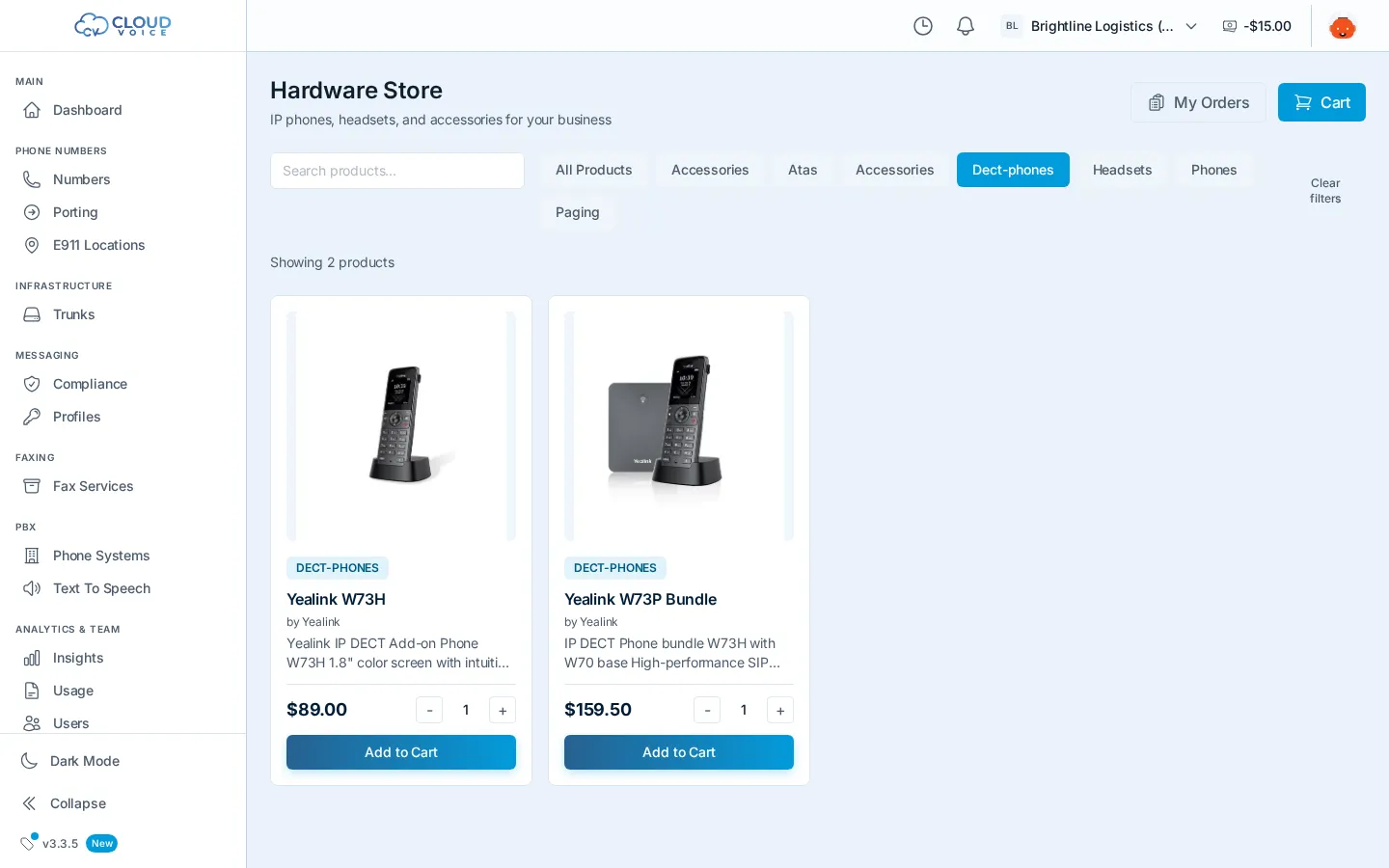
Section titled “Cart and checkout”- Click Add to Cart on any product, the cart badge updates with your item count, and adding the same item again increases its quantity.
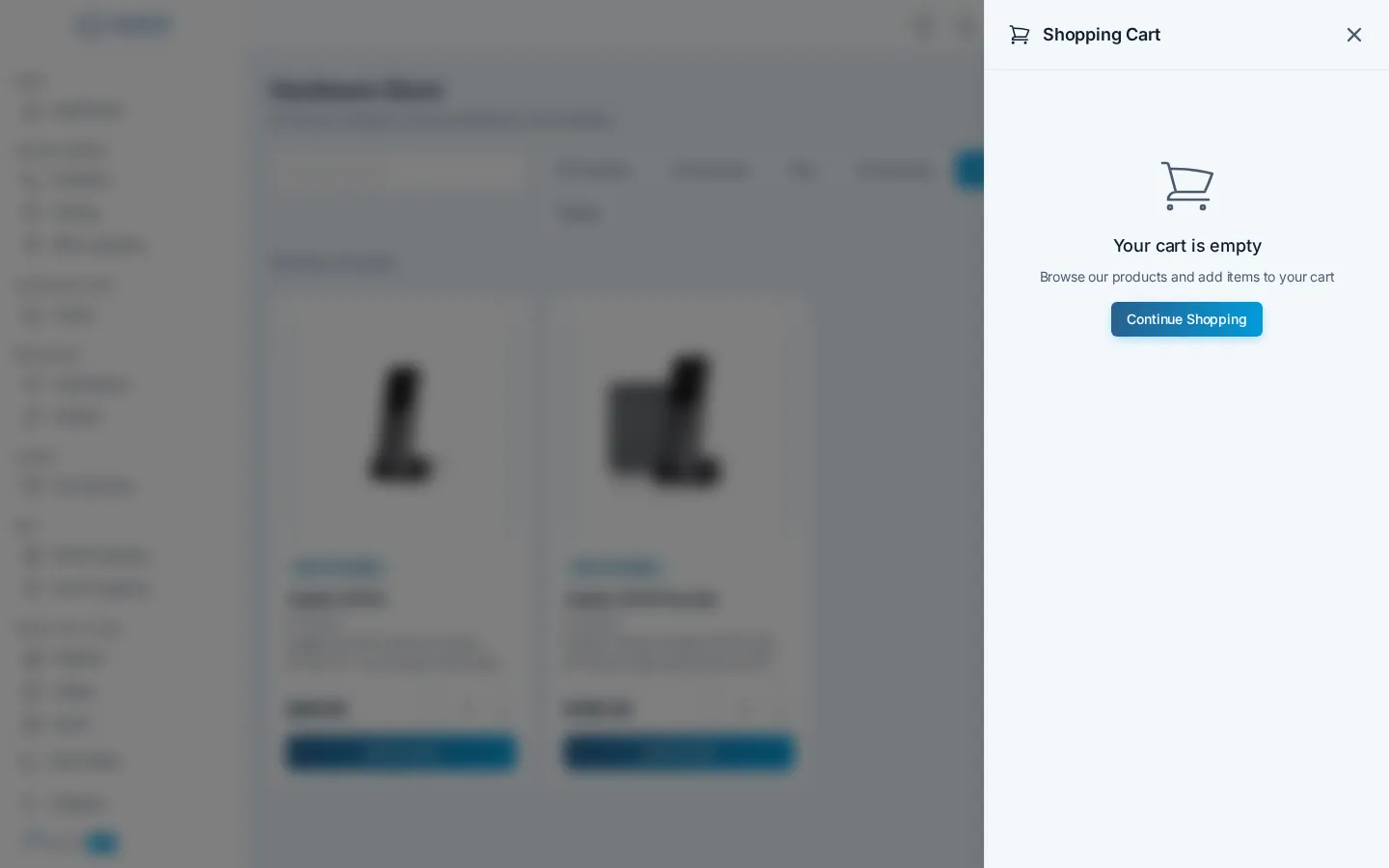
- Open the cart to review items, adjust, or remove them. Your cart persists even if you leave and come back later.
- When you’re ready, proceed to checkout, enter your shipping address, and place the order.
- You’ll see an order confirmation, and your cart is cleared.
Track your orders
Section titled “Track your orders”Click My Orders to see your order history. Each order card shows the essentials, and opening one gives you:
- The full order details and line items
- A timeline of its status history, from placement through shipment
So you always know where your hardware is without leaving the dashboard.
Question about this page?
Ask the AI assistant. It starts from this page, then searches the rest of the docs.
Ask Cloud Voice AI
About
Answers are AI-generated from the docs and may contain mistakes. Verify with the linked pages.