
Support
The Support page is your one-stop shop for getting help: your Support PIN, live system status, every way to reach the team, and the full library of in-app guided tours. Start here whenever something isn’t behaving, often the status page or a tour answers the question before you need to open a ticket.
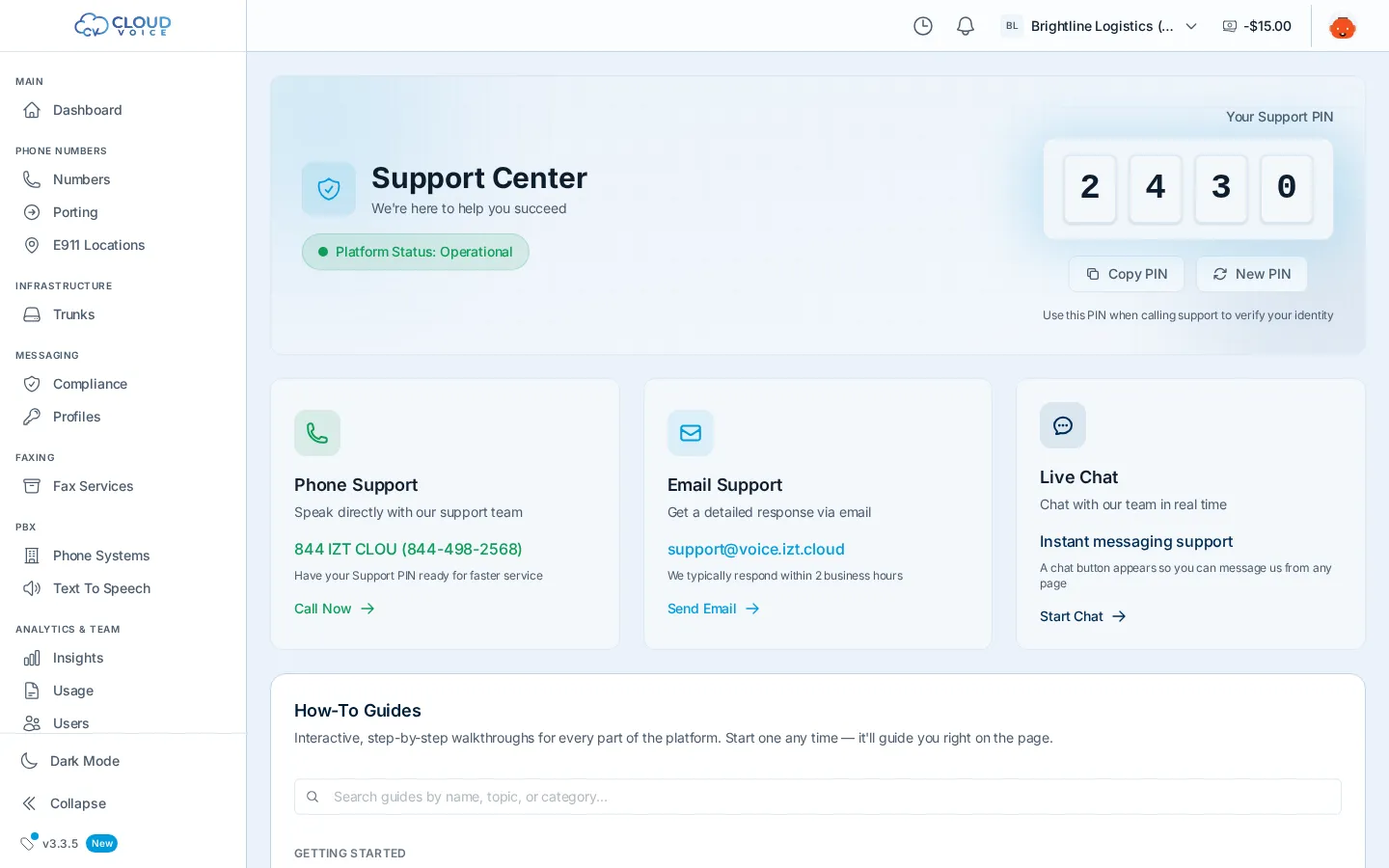
Your Support PIN
Section titled “Your Support PIN”The Support PIN verifies your identity when you contact support. It’s displayed on the Support page, copy it before you call or chat, and mention it up front for faster service. You can regenerate a new PIN at any time if you think yours has been shared too widely.
Check system status
Section titled “Check system status”The Support page shows live platform status. Before reporting an issue, check whether there’s an active incident, it may explain exactly what you’re seeing, and you’ll know a fix is already underway.
Contact support
Section titled “Contact support”Reach the team by:
- Phone
- Live chat
- Submitting a ticket directly from the Support page
Whichever channel you use, have your Support PIN ready.
Guided tours
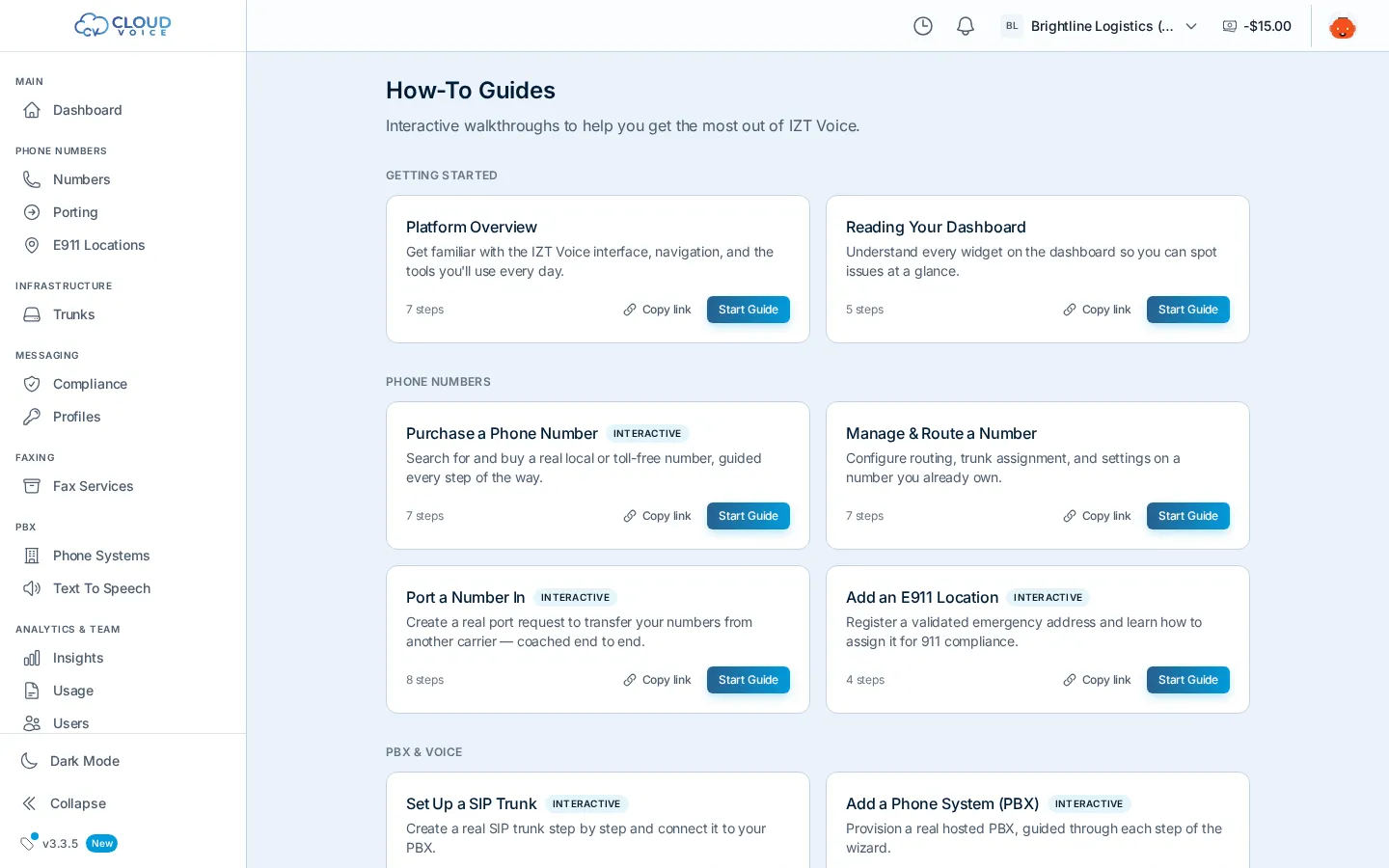
Section titled “Guided tours”The app includes interactive how-to guides: step-by-step walkthroughs that run right inside the dashboard, spotlighting real buttons and coaching you through real tasks like buying a number, submitting a port, or registering a messaging campaign. Find the library on the Support page or at portal.voice.izt.cloud/how-to, and re-launch any tour whenever you need a refresher.
What’s new
Section titled “What’s new”The changelog page lists platform updates by date and version, so you can see what changed and when.
Question about this page?
Ask the AI assistant. It starts from this page, then searches the rest of the docs.
Ask Cloud Voice AI
Answers are AI-generated from the docs and may contain mistakes. Verify with the linked pages.