
Usage
The Usage page lists your billable call records and the charges associated with them. Pick a date range, review the records, and export them to CSV for reconciliation, chargeback, or reporting, it’s the page to open when you want to know exactly what a period cost and why.
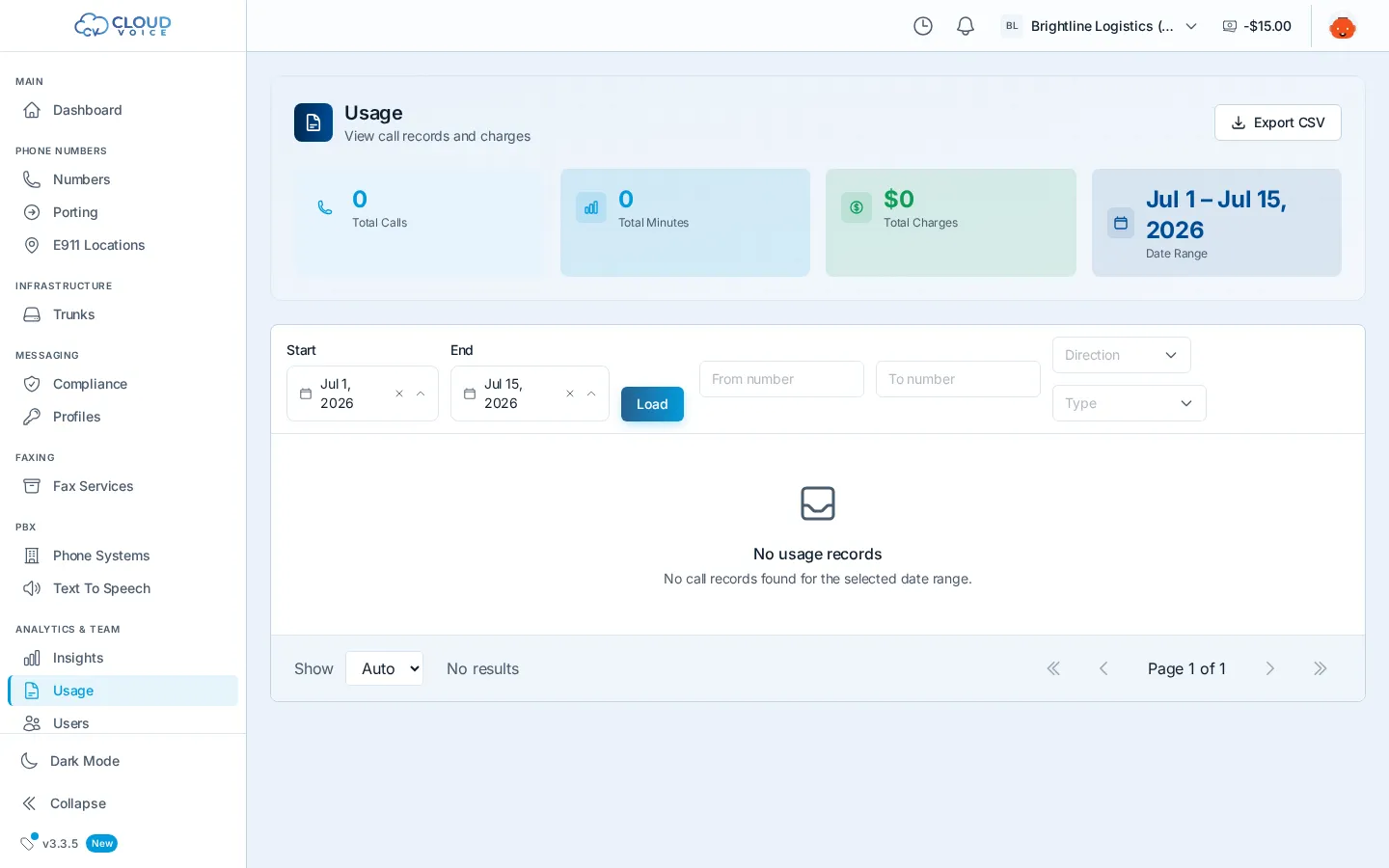
Pick a date range
Section titled “Pick a date range”Set the start and end dates at the top of the page, then click Load. The table fills with every billable record in that range.
Read the records
Section titled “Read the records”Each row is a billable call, showing:
- The numbers involved and the call’s direction
- When the call happened
- Its duration
- The charge for the call
If a charge looks surprising, open the same call in Voice Insights to see its full detail, routing, quality, and disposition.
Export to CSV
Section titled “Export to CSV”Click Export CSV to download the records for the selected range. The export matches what’s on screen, making it easy to reconcile against invoices or feed into your own reporting.
Related views
Section titled “Related views”- Voice Insights, the same calls with quality metrics, attestation, and packet captures.
- Dashboard Home, live call counts and a calls-by-hour view for a quick pulse.
- CDRs, background on call detail records if you’re building your own reporting.
Question about this page?
Ask the AI assistant. It starts from this page, then searches the rest of the docs.
Ask Cloud Voice AI
Answers are AI-generated from the docs and may contain mistakes. Verify with the linked pages.