
Insights
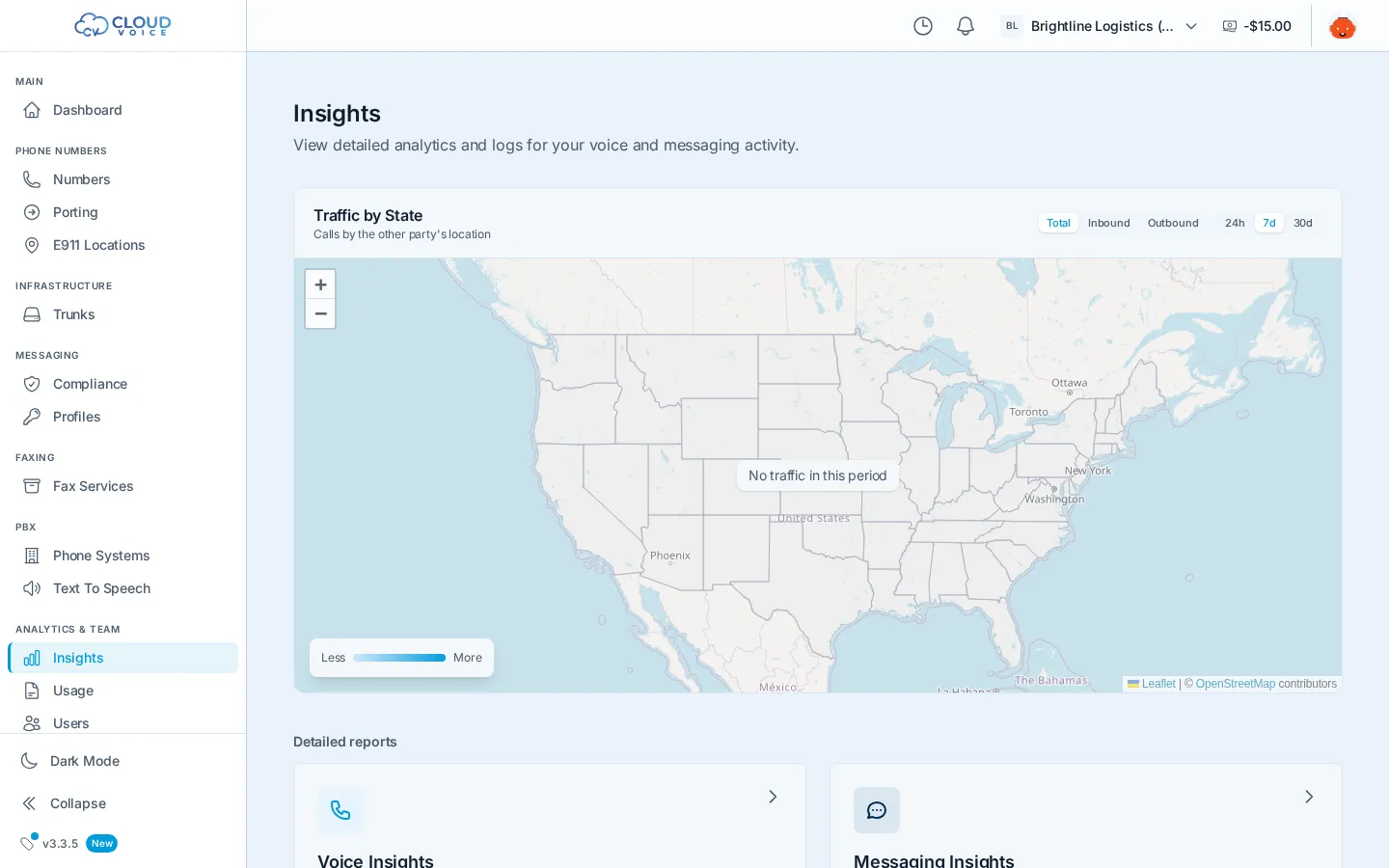
Insights is your analytics hub, split into two areas: Voice Insights for calls and Messaging Insights for SMS/MMS conversations. Both give you a filterable record of everything that happened on your account, with a detail view for digging into any single call or thread, whether you’re troubleshooting quality or answering “did that message actually get delivered?”
Voice Insights
Section titled “Voice Insights”Every inbound and outbound call on your account lands here. Filter by date, direction, or number along the top, then click any call to open its detail sidebar:
- Numbers and direction: who called whom, inbound or outbound.
- Duration and status: how long the call lasted and how it ended.
- Voice quality: MOS score, jitter, and packet loss, so you can tell a network problem from a carrier problem.
- STIR/SHAKEN attestation: the call’s caller-ID attestation level; see STIR/SHAKEN for what the levels mean.
- PCAP download: grab the packet capture for deep troubleshooting or to share with support.
Messaging Insights
Section titled “Messaging Insights”Messages are grouped into conversations between your number and the far end. Filter by date, direction, or status, then click a conversation to see the full thread, every inbound and outbound message, its delivery status, and any media attachments, in one place.
Related views
Section titled “Related views”- Per-call billing records and charges live under Usage, with CSV export.
- A live pulse of recent calls is on the dashboard home.
- For call detail record concepts and formats, see CDRs.
Question about this page?
Ask the AI assistant. It starts from this page, then searches the rest of the docs.
Ask Cloud Voice AI
Answers are AI-generated from the docs and may contain mistakes. Verify with the linked pages.