
Set up Call Rate for Guest Call Billing
Cloud Voice includes built-in call accounting that prices the outbound calls your guests make and adds the charges straight to their room bill. Pricing is driven by a rate deck: a set of call rate rules that you define. When a guest finishes an outbound call, the phone system (the PBX, short for Private Branch Exchange) finds the matching rule, works out the cost, and records it against the guest. This page shows you how to create a call rate rule for outbound calls.
Add a call rate rule
Section titled “Add a call rate rule”-
Sign in to the management portal and go to Reports and Recordings > Call Reports > Rate.
-
Click Add.
-
Complete the rule using the fields below. The first three fields decide which calls the rule matches; the rest decide how a matched call is priced.
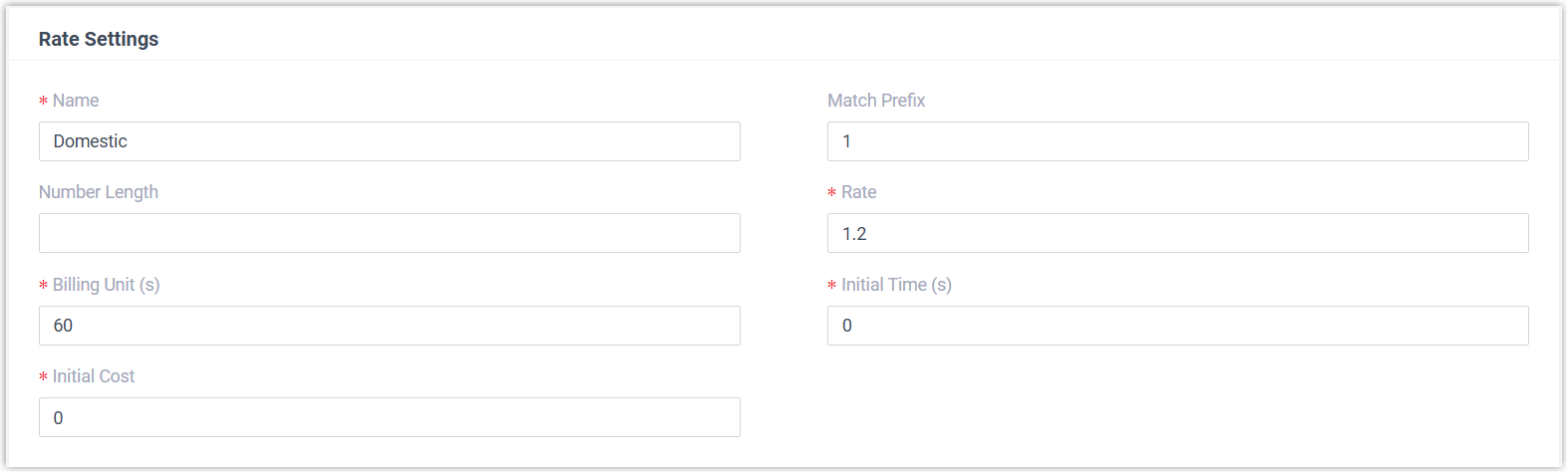
Field What to enter Name A label that lets you recognize the rule later. Match Prefix Optional. The dialing prefix a call must begin with for this rule to apply. Matching is done against the number the PBX sends out, so only outbound calls whose sent number starts with this prefix are priced by the rule. Number Length Optional. The rule applies only to outbound calls whose sent number is this many digits or fewer. As with the prefix, this is measured against the number the PBX sends, not the number the guest dialed. Rate The amount charged for each billing unit once the initial time has elapsed. Up to 5 decimal places are accepted. Billing Unit (s) The block of time, in seconds, used to meter the call after the initial time. Defaults to 60. For example, with a Rate of 0.5 and a Billing Unit of 60, the cost rises by 0.5 for every 60 seconds. Initial Time (s) The opening stretch of the call, in seconds, that is covered by the initial cost. Initial Cost The flat amount charged for the initial time. For example, an Initial Time of 120 with an Initial Cost of 2 means the first 2 minutes cost 2, after which the call is metered at the rate above. -
Click Save.
Result
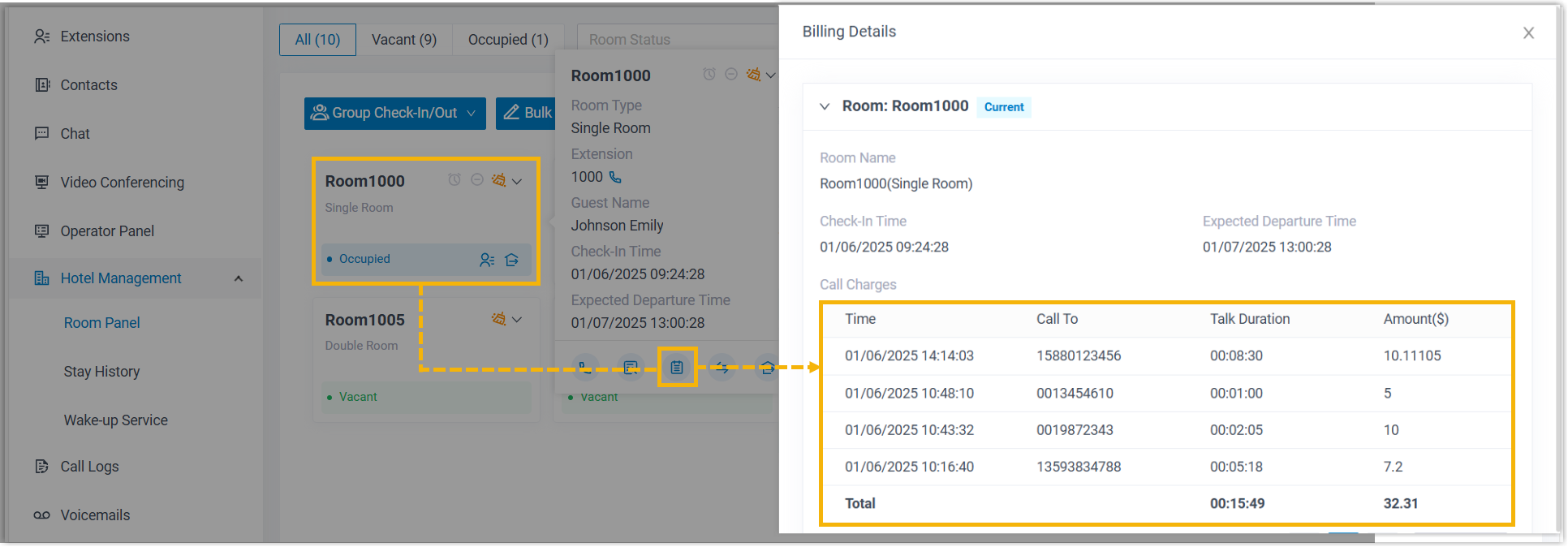
Section titled “Result”From now on, when a guest completes an outbound call, Cloud Voice matches it to the applicable rate, calculates the charge, and posts it to that guest’s bill.
Question about this page?
Ask the AI assistant. It starts from this page, then searches the rest of the docs.
Ask Cloud Voice AI
Answers are AI-generated from the docs and may contain mistakes. Verify with the linked pages.