
Get Extension Info
Get Extension Info is one of the Internal Data Ops operations. It searches for an extension and returns that user’s details, extension number, name, email address, and mobile number, then stores each value in a variable. Components further along the flow can read those variables or test them in a condition.
What it does
Section titled “What it does”Point the component at an extension and it hands back four pieces of information about that user:
- The extension number.
- The extension name.
- The email address on the extension.
- The mobile number on the extension.
You can name the extension directly through the filters, or supply an expression so the target is chosen while the call runs. The lookup writes its results into variables you can pass to a following component or evaluate in a Condition.
Configure the component
Section titled “Configure the component”-
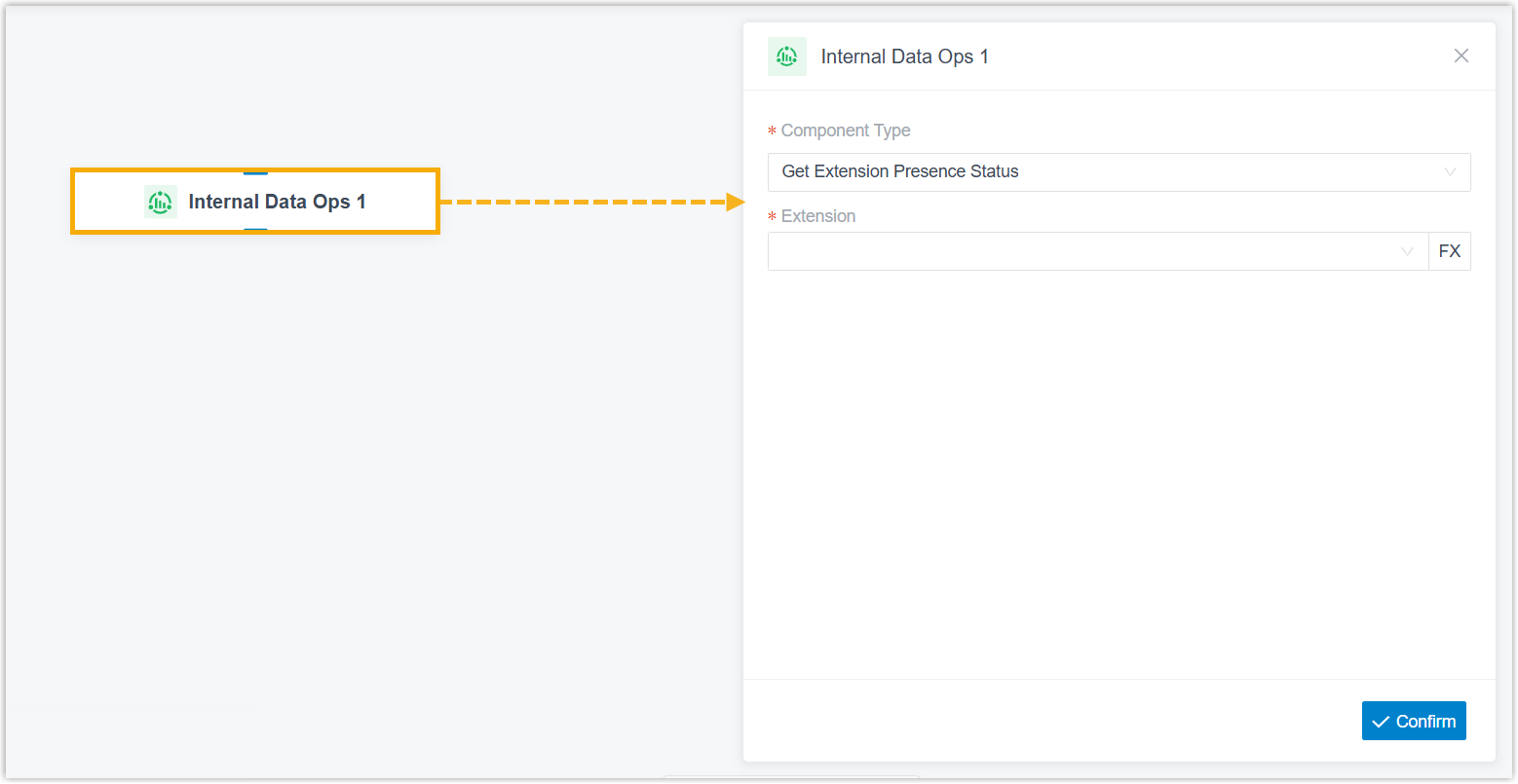
Drag the Internal Data Ops component onto the canvas, then click it to open its settings.
-
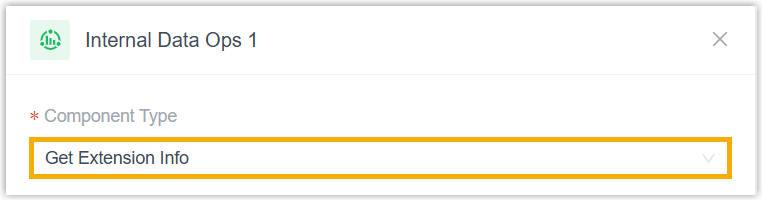
In the Component Type drop-down list, choose Get Extension Info.
-
Narrow the search to the extension you want using any of the filters below.
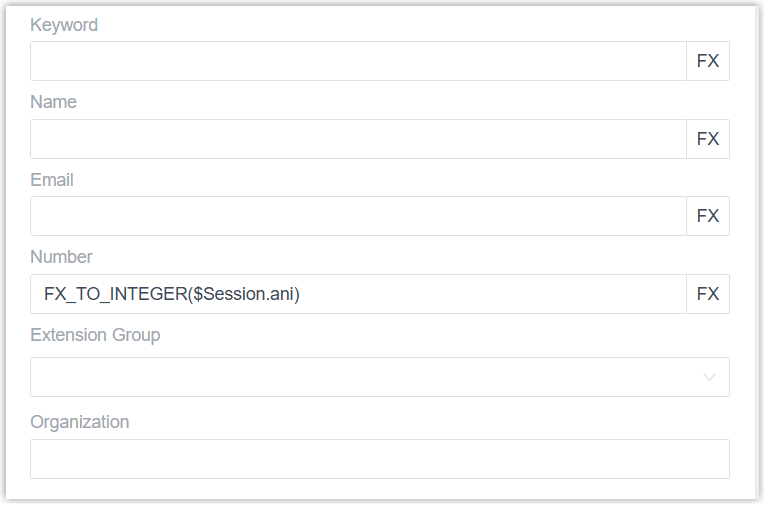
Filter Description Keyword Search by first name, last name, email address, or extension number. Alternatively, click the fx icon and enter an expression to resolve the extension at runtime. Name Enter the extension’s first or last name, or click the fx icon to supply an expression. Email Enter the extension’s email address, or click the fx icon to supply an expression. Number Enter the extension number, or click the fx icon to supply an expression. Extension Group Choose one or more extension groups to limit the search to those groups. Leave it empty to search every extension group. Organization Choose one or more departments to limit the search to those departments. Available only when Organization Management is turned on (PBX Settings > Preferences > Organization Management). When set, the search covers the selected departments and their sub-departments; leave it empty to search all departments. -
Click Confirm in the bottom-right corner.
Variables
Section titled “Variables”Adding a Get Extension Info component writes the extension’s details into the variables below. Read them from any expression-aware component, Condition, for instance, to act on what the lookup returned.
| Variable | Type | Description | Example |
|---|---|---|---|
$GetExtensionInfo{index}.number | String | Extension number. | "1001" |
$GetExtensionInfo{index}.name | String | Extension name. | "Phillip Huff" |
$GetExtensionInfo{index}.email | String | The extension’s email address. | "phillip@sample.com" |
$GetExtensionInfo{index}.mobileNumber | String | The extension’s mobile number. | "15880123456" |
What it can connect to
Section titled “What it can connect to”A Get Extension Info component leads to exactly one downstream component. Any of the following can follow it:
| Component | Purpose |
|---|---|
| Prompt | Play an audio file or a text-to-speech message to the caller. |
| Business Hours | Route the call to different destinations depending on the time of day. |
| Menu | Offer callers a set of options and route them by the DTMF key they press. DTMF (Dual-Tone Multi-Frequency) is the tone a phone sends when the caller presses a keypad digit. |
| User Input | Collect DTMF digits from the caller, usually paired with Condition to act on what was entered. |
| Language | Change the system prompt language for the rest of the flow. |
| Record | Start recording once the caller connects to another party, with optional notification prompts, or turn recording off for a call that would otherwise be recorded. |
| Dial by Number | Let callers dial a number directly to reach their destination. |
| Dial by Name | An end component that lets callers reach a user by typing the first three letters of their name. |
| Transfer | An end component that sends the caller to a chosen destination, with optional prompts announcing the transfer. |
| Hang Up Call | An end component that disconnects the call. |
| Condition | Route the call based on logical expressions. |
| Loop | Repeat a group of components a set number of times or until a condition is met. |
| Internal Data Ops | Read from and write to the Cloud Voice system’s own database. See Get Extension Presence Status, Set Extension Presence Status, Get Queue Agent, Get Queue Info, Get Agent Status, Set Agent Status, Get System Info, Get System Capacity, Get Extension Info, and Get Company Contact Info. |
| Email Sender | Send an email for real-time notifications, alerts, or user-specific information. |
| Database Access | Run a SQL (Structured Query Language) operation against an external database during the call flow. |
| HTTP Request | Send an HTTP request to an external server to exchange data with a third-party service. |
Question about this page?
Ask the AI assistant. It starts from this page, then searches the rest of the docs.
Ask Cloud Voice AI
Answers are AI-generated from the docs and may contain mistakes. Verify with the linked pages.