
Test an AI Receptionist
Before an AI receptionist takes real calls, run it through the built-in test tools to confirm it understands questions and replies the way you expect. You can rehearse either as a spoken call or as a text chat.
Before you begin
Section titled “Before you begin”Make sure you have already created an AI receptionist and finished its basic setup.
Run a test
Section titled “Run a test”- Sign in to the PBX web portal and open AI > AI Receptionist.
- Select the receptionist you want to try, then switch to the Online Test tab.
- Choose how you want to test it, by call or by chat, and follow the matching steps below.
Test by call
Section titled “Test by call”A spoken test lets you hear how the receptionist sounds and how naturally it handles a back-and-forth conversation.
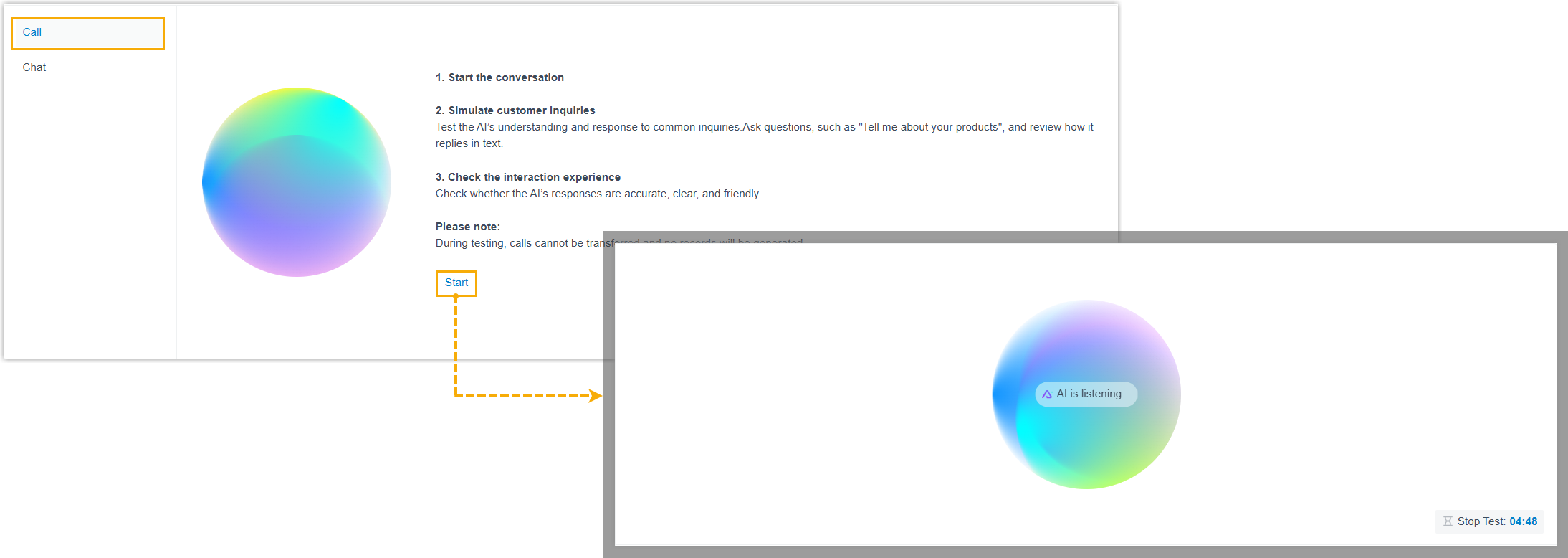
- In the left panel, click Call.
- Click Start to place the test call.
- Ask questions the way a real caller would, for example,
What is your company's core service? - Listen to each reply and judge how accurate the answers are and how the overall conversation feels.
Test by chat
Section titled “Test by chat”A text chat is a quick way to probe the receptionist’s knowledge without speaking aloud.
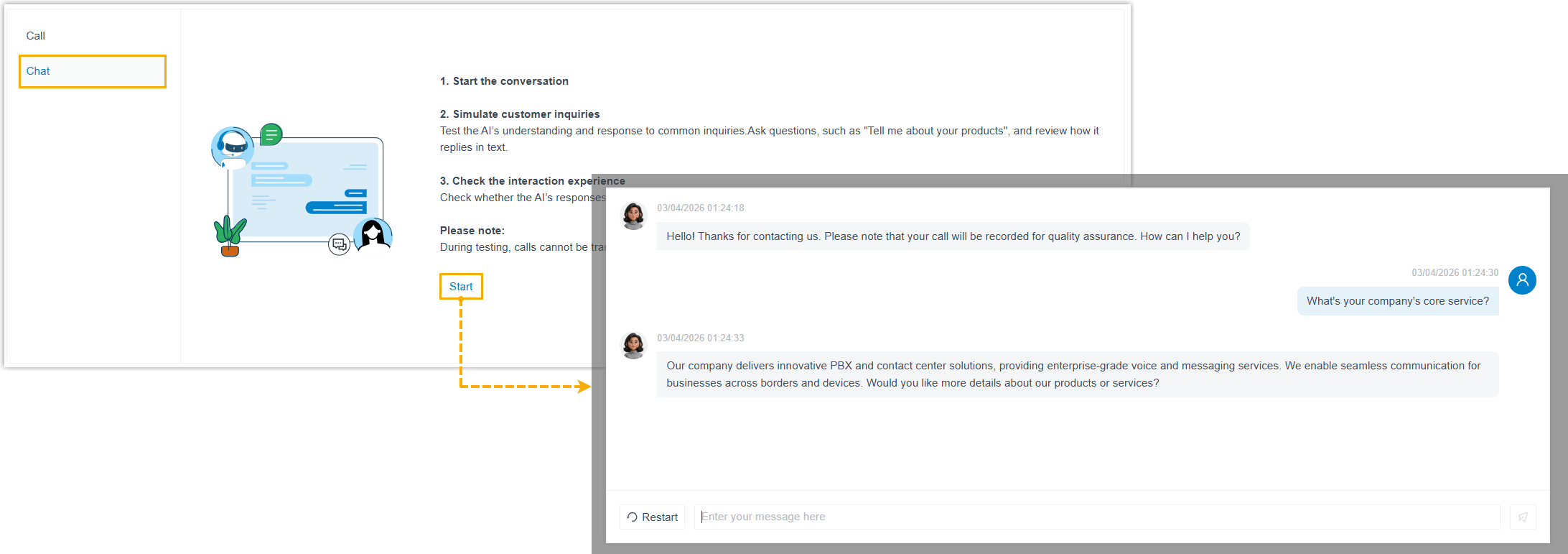
- In the left panel, click Chat.
- Click Start to open a chat session.
- Type messages as though you were a customer with questions.
- Read each reply and assess how accurate it is and how well the exchange flows.
Next steps
Section titled “Next steps”- Use what you learned to fine-tune the receptionist. Revisit its personalization and skills and adjust them until the responses meet your standard.
- Once you’re happy with the results, put the receptionist into service for live calls, callers can reach it by dialing its number directly, through an assigned direct DID (Direct Inward Dialing, a public phone number pointed straight at the receptionist), or as a call routing destination.
Question about this page?
Ask the AI assistant. It starts from this page, then searches the rest of the docs.
Ask Cloud Voice AI
About
Answers are AI-generated from the docs and may contain mistakes. Verify with the linked pages.