
Schedule Automatic User Synchronization
Once Google Workspace is connected, Cloud Voice keeps its user list in step with your directory on its own. Out of the box, this sync runs once a day at 00:30. If that timing doesn’t suit your organization, you can change how frequently it runs and pick the exact time it happens.
Set the synchronization schedule
Section titled “Set the synchronization schedule”-
Sign in to the PBX (Private Branch Exchange, your phone system) web portal and open Integrations > Collaboration.
-
Find the Basic section, choose a synchronization frequency, and set the time you want the sync to start.
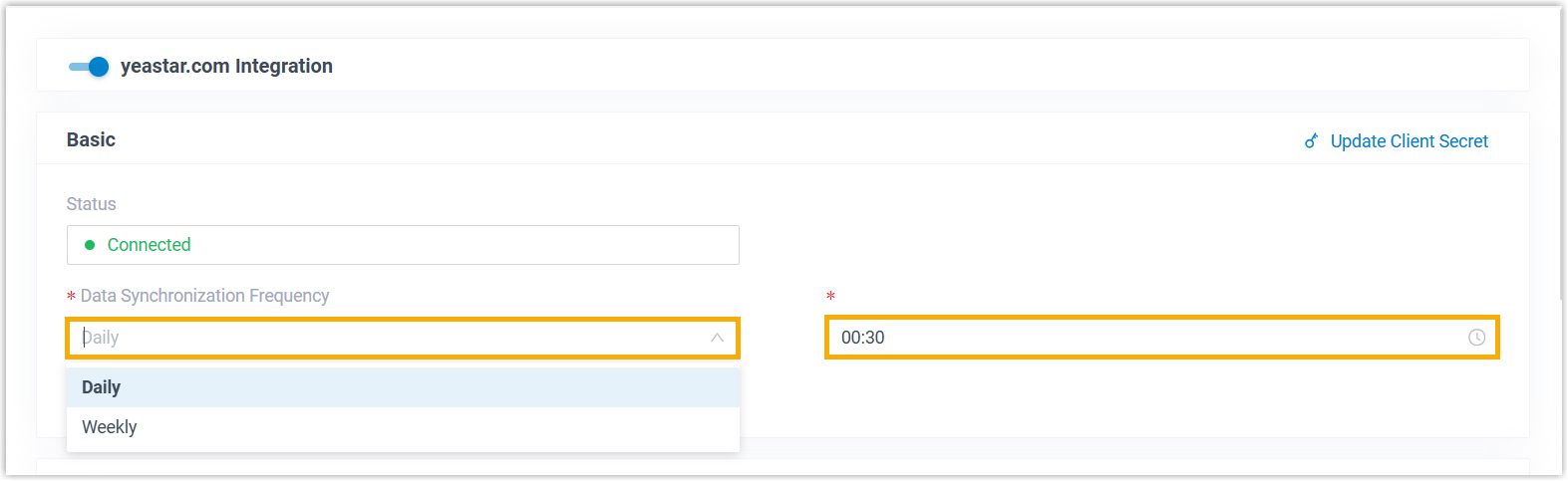
-
Select Save.
What happens next
Section titled “What happens next”From this point on, Cloud Voice imports users from Google Workspace automatically on the schedule you defined, keeping accounts current without any manual steps.
Question about this page?
Ask the AI assistant. It starts from this page, then searches the rest of the docs.
Ask Cloud Voice AI
Answers are AI-generated from the docs and may contain mistakes. Verify with the linked pages.