
Disconnect LDAP Integration
Cloud Voice reads contacts from an external directory using LDAP (Lightweight Directory Access Protocol), a standard way to pull contact records from a central directory server. Cloud Voice supports one directory integration at a time, so before you connect a different contact database you must first end the current LDAP integration. This page walks through disconnecting LDAP and, optionally, cleaning up the contacts and phonebook it created.
Open the LDAP integration settings
Section titled “Open the LDAP integration settings”-
Sign in to the Cloud Voice management portal and navigate to Contacts > Company Contacts.
-
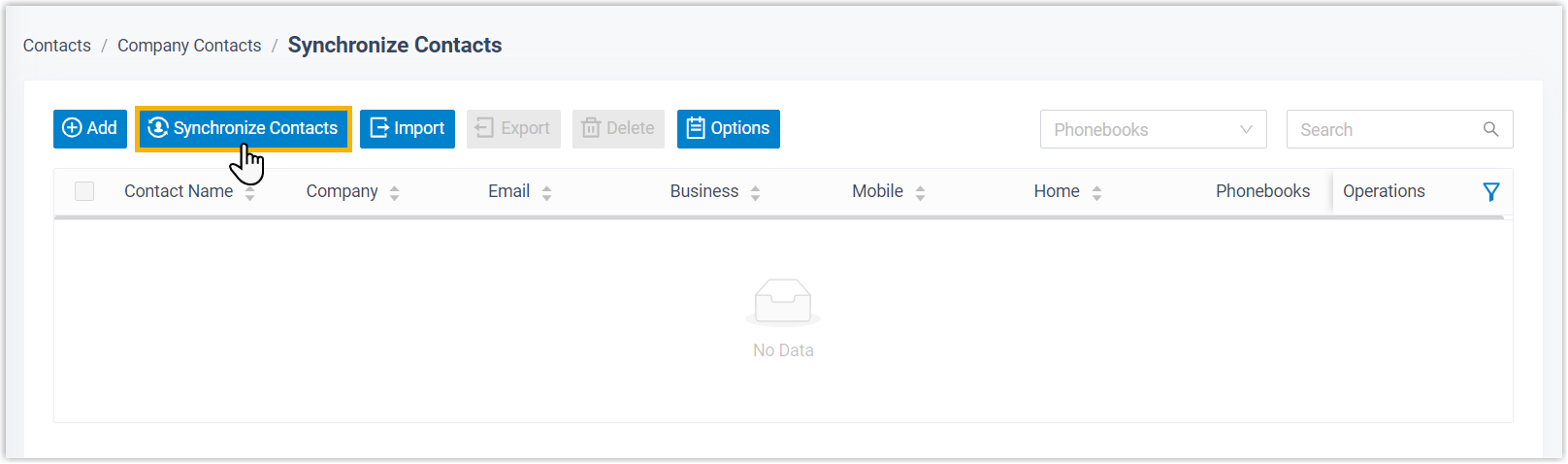
Select Synchronize Contacts at the top of the page.
-
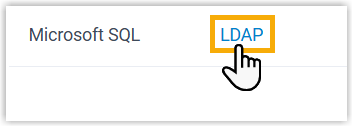
Open the LDAP tab.
Disconnect the integration
Section titled “Disconnect the integration”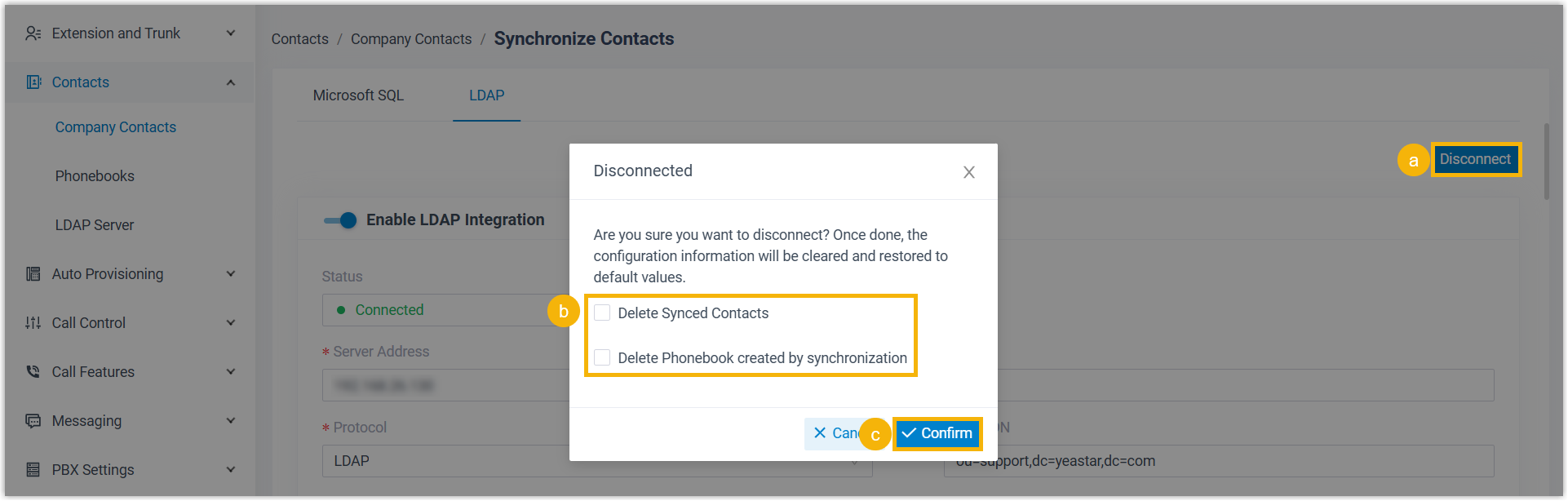
- In the top-right corner, click Disconnect.
- Optional: To remove the data that synchronization brought in, select Delete Synced Contacts and Delete Phonebook created by synchronization.
- Click Confirm.
Once confirmed, the LDAP integration is removed and Cloud Voice is ready for you to configure a new directory source.
Question about this page?
Ask the AI assistant. It starts from this page, then searches the rest of the docs.
Ask Cloud Voice AI
Answers are AI-generated from the docs and may contain mistakes. Verify with the linked pages.