
Disable LDAP Integration
LDAP (Lightweight Directory Access Protocol) is a standard way to read entries from a central directory server, such as a shared company address book. When the LDAP integration is on, Cloud Voice pulls those directory entries into your company contacts automatically.
If you need to stop that sync, you can switch off the LDAP integration in Cloud Voice whenever you like. Turning it off pauses the connection but leaves every setting in place, so you can bring it back later without re-entering anything.
Turn off the integration
Section titled “Turn off the integration”-
Open the LDAP settings:
-
Sign in to the PBX web portal and go to Contacts > Company Contacts.
-
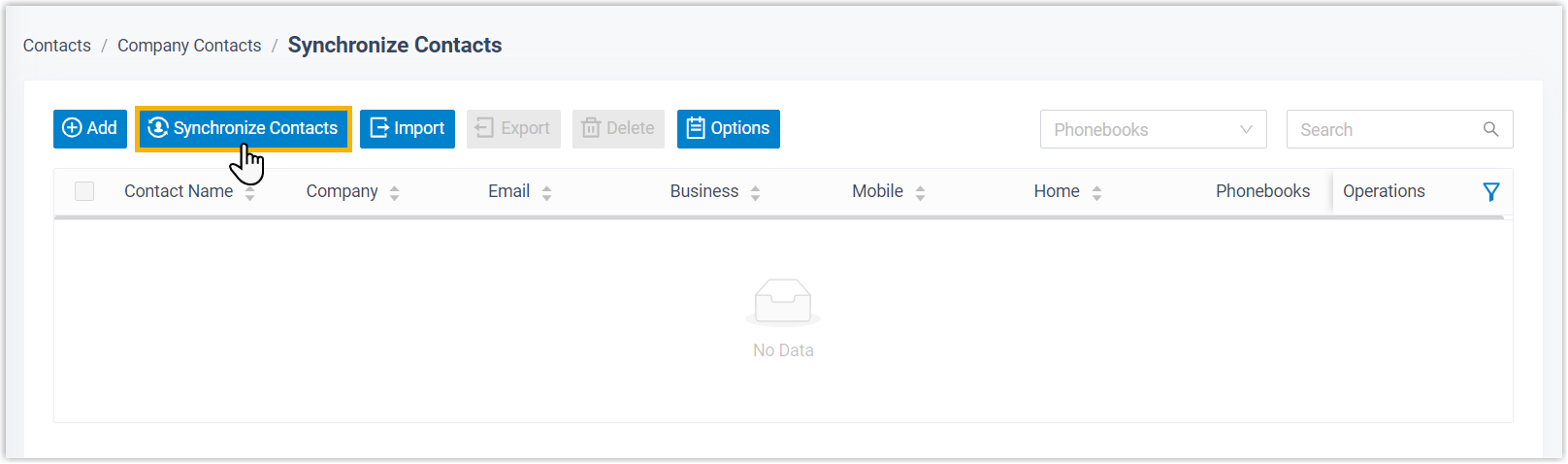
Select Synchronize Contacts near the top of the page.
-
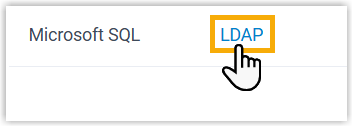
Open the LDAP tab.
-
-
Clear the Enable LDAP Integration checkbox.

-
Select Save.
What happens next
Section titled “What happens next”- The Status field changes to Disabled. Check it on the LDAP tab to confirm the change took effect.
- Your LDAP configuration stays saved. The next time you enable the integration, it reconnects with the same settings.
Question about this page?
Ask the AI assistant. It starts from this page, then searches the rest of the docs.
Ask Cloud Voice AI
Answers are AI-generated from the docs and may contain mistakes. Verify with the linked pages.