
Enable Video Preview of Intercom Calls for Extensions
When a video intercom system is connected to Cloud Voice, you can turn on video preview for the extension that is registered on the door station. Once it is enabled, whoever answers an intercom call can watch the visitor’s live video in the Cloud Voice App as the call rings and choose whether to release the door.
How it works
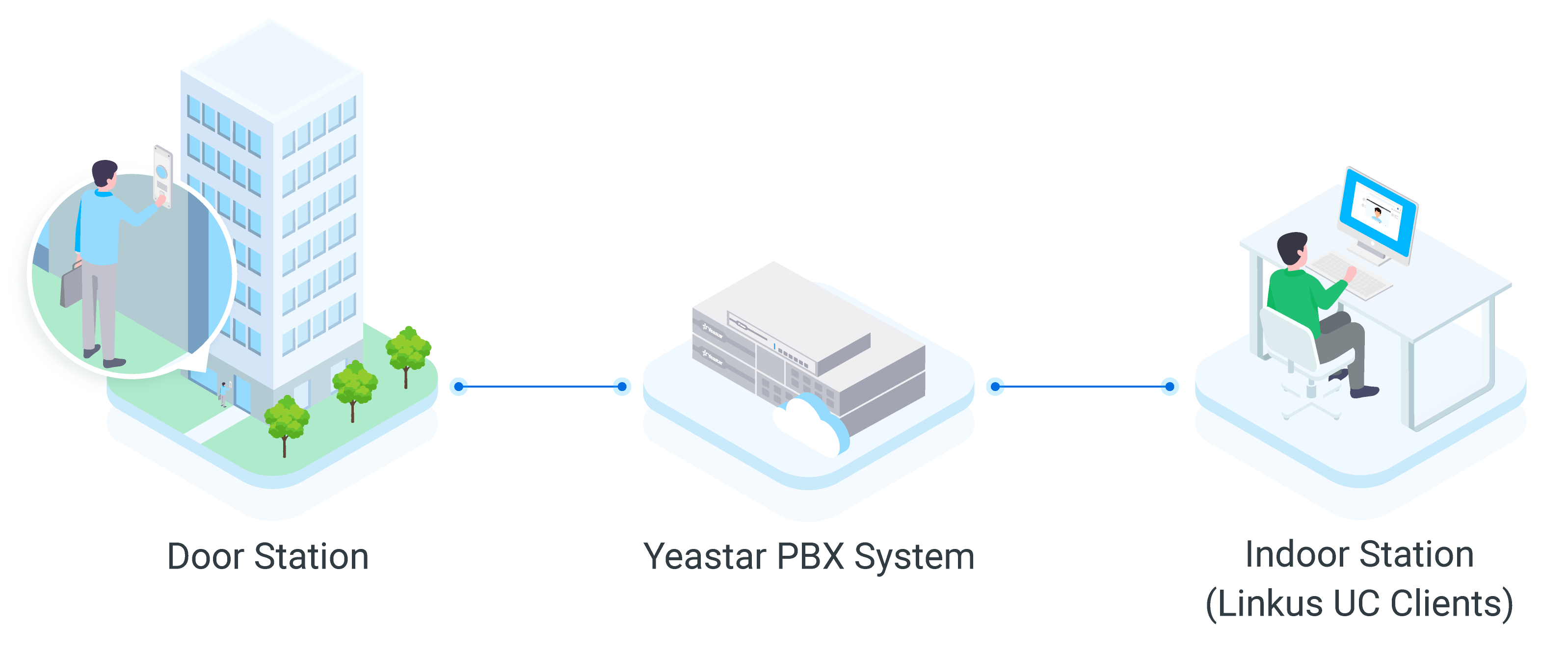
Section titled “How it works”A video intercom setup has two parts: a door station at the entrance and an indoor station that receives the call. With Cloud Voice, you register a standard extension on the door station so it can place calls like any other extension, and the Cloud Voice App takes the place of the indoor station.
When a visitor presses the call button, the door station rings the extensions that act as indoor stations. The person being called can view the visitor’s video in the Cloud Voice App while the call is still ringing and decide whether to open the door.
Preview methods
Section titled “Preview methods”Cloud Voice offers two ways to bring up the visitor’s video:
- Video Preview: The person answering starts the preview manually. When a call arrives from the door station and this option is enabled on the extension, the callee taps the preview control in the Cloud Voice App to see the video while the call rings.
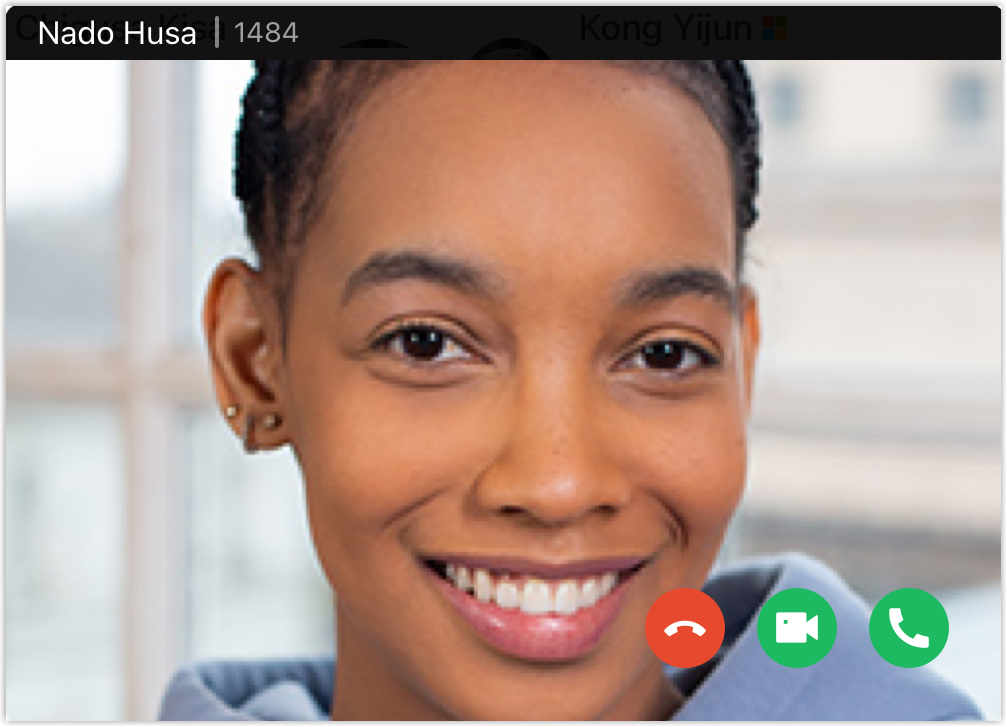
- Auto Preview: No action is needed from the person answering. When a call arrives from the door station and this option is enabled on the extension, the Cloud Voice App shows the visitor’s video automatically as the call rings.
Requirements and restrictions
Section titled “Requirements and restrictions”Review these conditions before you set up the feature.
Requirements
- System version 84.10.0.30 or later.
- The Ultimate plan.
Supported door station
Fanvil door stations have been tested with Cloud Voice and are known to work.
Supported indoor station
The Cloud Voice App acts as the indoor station. The preview methods each client supports differ, as shown below.
| Cloud Voice App | Video Preview | Auto Preview |
|---|---|---|
| Mobile app (iOS) | No | No |
| Mobile app (Android) | Yes | Yes |
| Desktop app (Windows) | Yes | Coming soon |
| Desktop app (Mac) | Yes | Coming soon |
| Web client | Yes | Yes |
Procedure
Section titled “Procedure”- Sign in to the management portal and go to Extension and Trunk > Extension, then open the extension used by the door station for editing.
- Select the Features tab.
- Under Door Phone Application, turn on the preview options you want:
-
Video Preview: When enabled, an incoming call from the door station lets the callee tap
 in the Cloud Voice App to view the video while the call rings.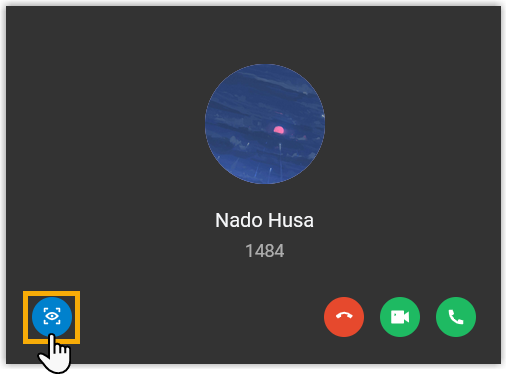
-
Auto Preview: When enabled, an incoming call from the door station makes the callee’s Cloud Voice App display the video automatically while the call rings.
-
- Click Save, then Apply.
Question about this page?
Ask the AI assistant. It starts from this page, then searches the rest of the docs.
Ask Cloud Voice AI
Answers are AI-generated from the docs and may contain mistakes. Verify with the linked pages.