
Add an extension to your Favorites list on the Cloud Voice App desktop client
An extension is the internal number (the phone line) assigned to a person on your phone system. Marking an extension as a favorite keeps the people you reach out to most within easy reach, so you don’t have to scroll through the full directory every time. Follow these steps in the Cloud Voice App desktop client.
-
Open the desktop client and select Extensions.
-
Choose the extension you want to save.
-
On that extension’s detail view, select the star icon
 .
.
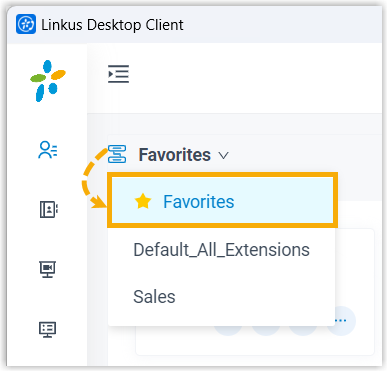
The extension now appears under your Favorites list, which gathers the contacts you communicate with regularly in one place.
Question about this page?
Ask the AI assistant. It starts from this page, then searches the rest of the docs.
Ask Cloud Voice AI
Answers are AI-generated from the docs and may contain mistakes. Verify with the linked pages.