
Upgrade the Cloud Voice App on Android
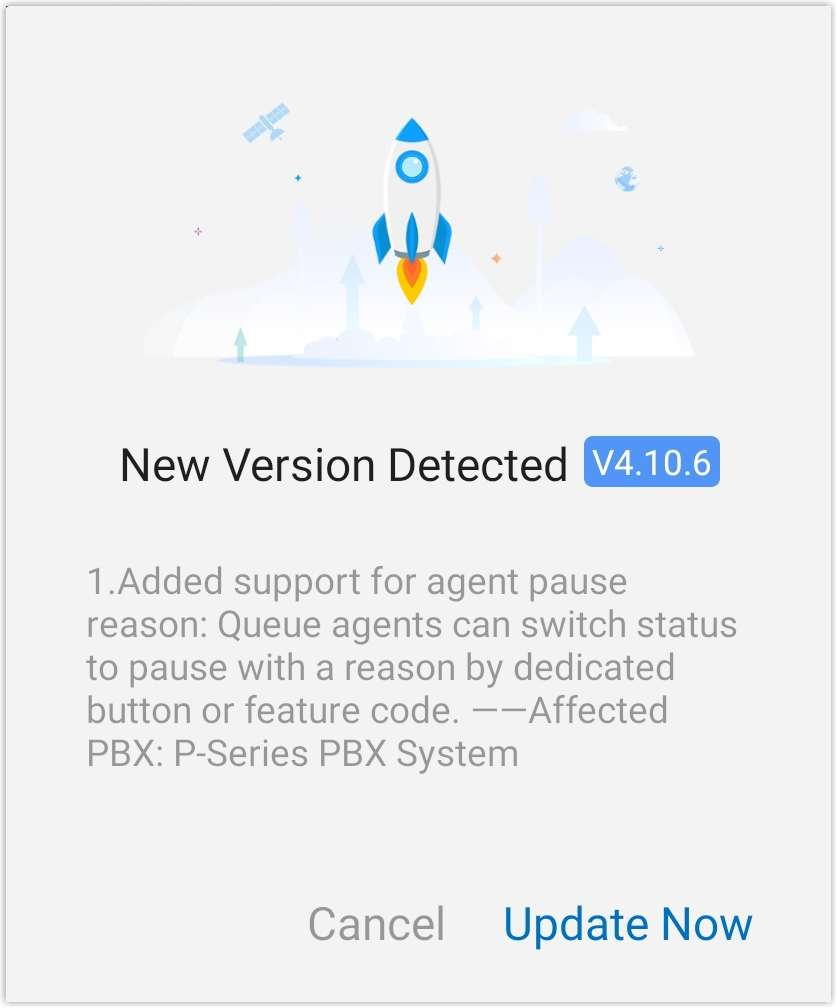
Keeping the Cloud Voice App up to date gives you the newest features and fixes. Whenever a newer release becomes available, the app lets you know with a pop-up that summarizes what changed in that version. That reminder appears once a day until you upgrade, and you can install the update right away or wait. If you dismiss it, you can start the upgrade yourself at any time using the steps below.
Upgrade the app
Section titled “Upgrade the app”-
Open the Calls page and tap your account in the top-left corner.
-
Go to Settings > About > Upgrade.
A pop-up appears listing what’s new in the latest version.
-
Tap Update Now to begin downloading the new installation package (an APK, the Android Package Kit file used to install Android apps).
-
Open the downloaded package and follow the prompts to install it.
Once installation finishes, your Cloud Voice App is on the latest version.
Question about this page?
Ask the AI assistant. It starts from this page, then searches the rest of the docs.
Ask Cloud Voice AI
Answers are AI-generated from the docs and may contain mistakes. Verify with the linked pages.