
Switch between Accounts on the Mobile App
Once you have more than one account signed in on the Cloud Voice App, you can jump from one to another right inside the app. This is useful when you handle separate accounts, for example a personal extension and a shared team account, and need to move between them quickly. There is no need to sign out of the current account first.
Before you start
Section titled “Before you start”Make sure at least two accounts are already signed in on the app. See Add Multiple Accounts to the Mobile App.
Switch accounts
Section titled “Switch accounts”-
On the Calls page, tap your account in the top-left corner.
-
Open Account Management.
-
Tap the account you want to use.
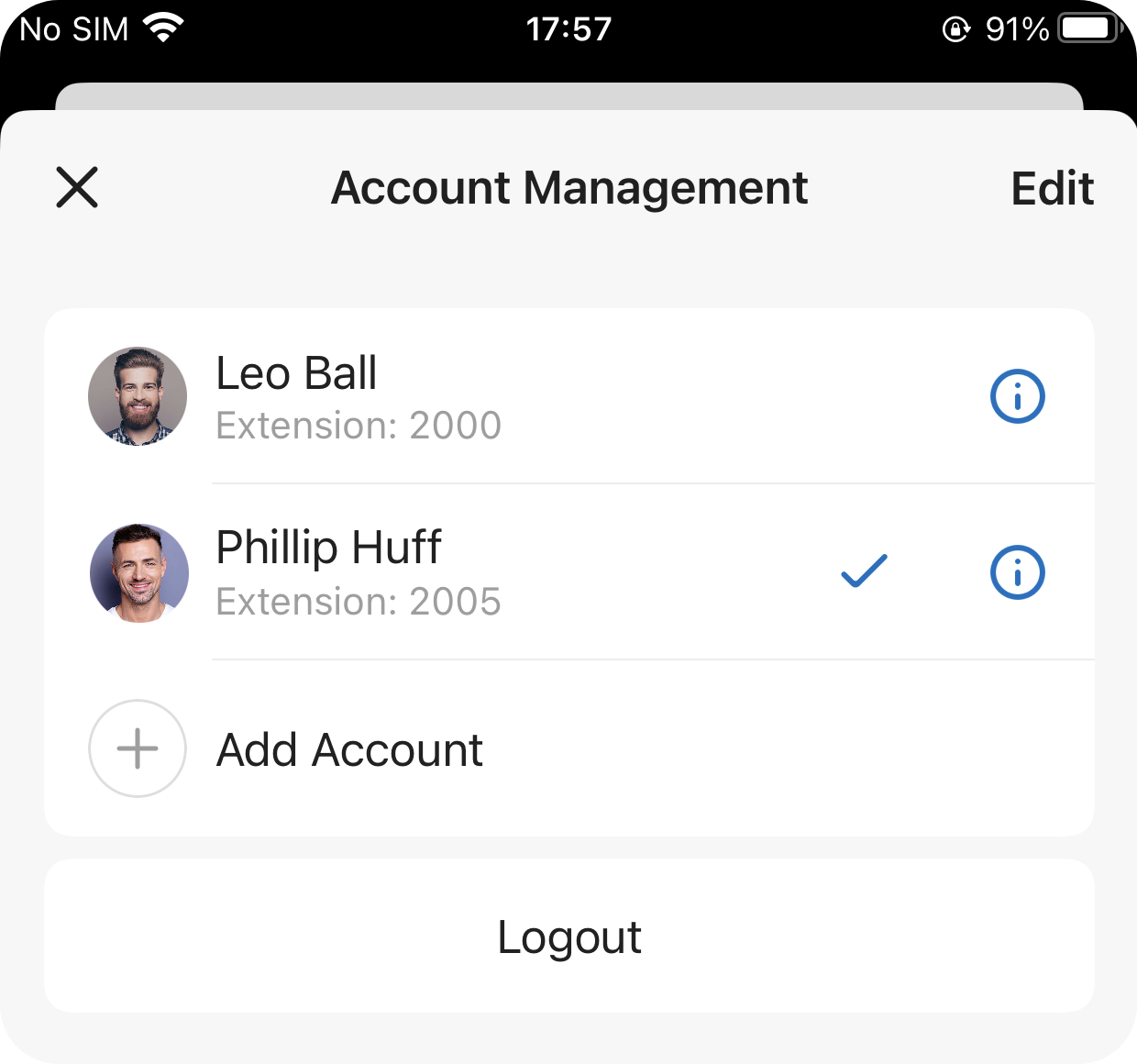
The app reloads and you are now signed in under the account you selected.
Question about this page?
Ask the AI assistant. It starts from this page, then searches the rest of the docs.
Ask Cloud Voice AI
Answers are AI-generated from the docs and may contain mistakes. Verify with the linked pages.