
Use Function Keys on the Mobile App
Function keys give you a shortcut to the features you use most. Some keys show you the live status of the object they watch: a Busy Lamp Field (BLF) key, for example, indicates whether a colleague’s extension is idle, ringing, or on a call. Other keys fire off an action such as dialing a number or checking voicemail. This page explains how to reach and use function keys from the Cloud Voice App on your mobile device.
Before you start
Section titled “Before you start”Confirm your environment meets these minimums:
- Phone system: Firmware version 84.22.0.17 or later.
- Cloud Voice App (iOS): Version 5.23.7 or later.
- Cloud Voice App (Android): Version 5.23.8 or later.
You also need at least one function key already set up. Function keys are defined in the Cloud Voice App web or desktop client, not on the mobile app itself.
Open the Function Keys panel
Section titled “Open the Function Keys panel”-
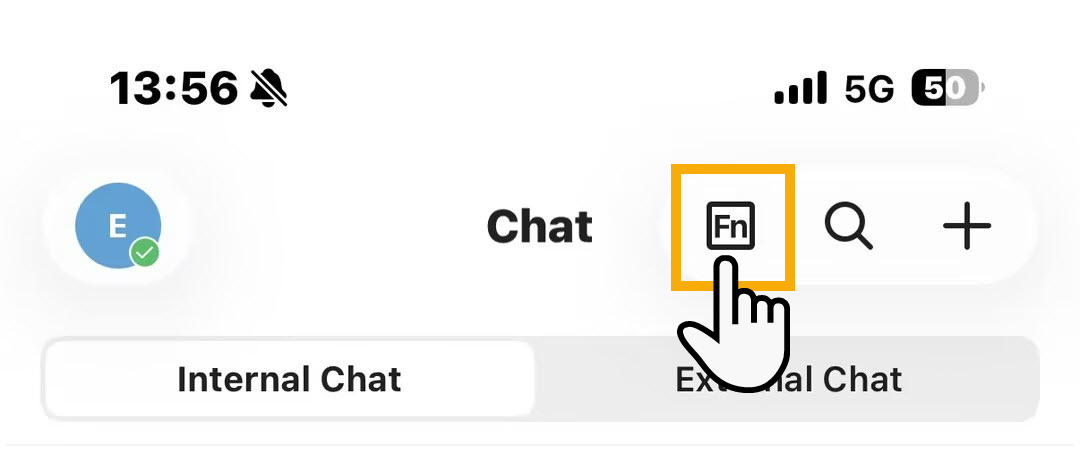
From the top-right corner of the Cloud Voice App, tap the function keys icon
 .
.
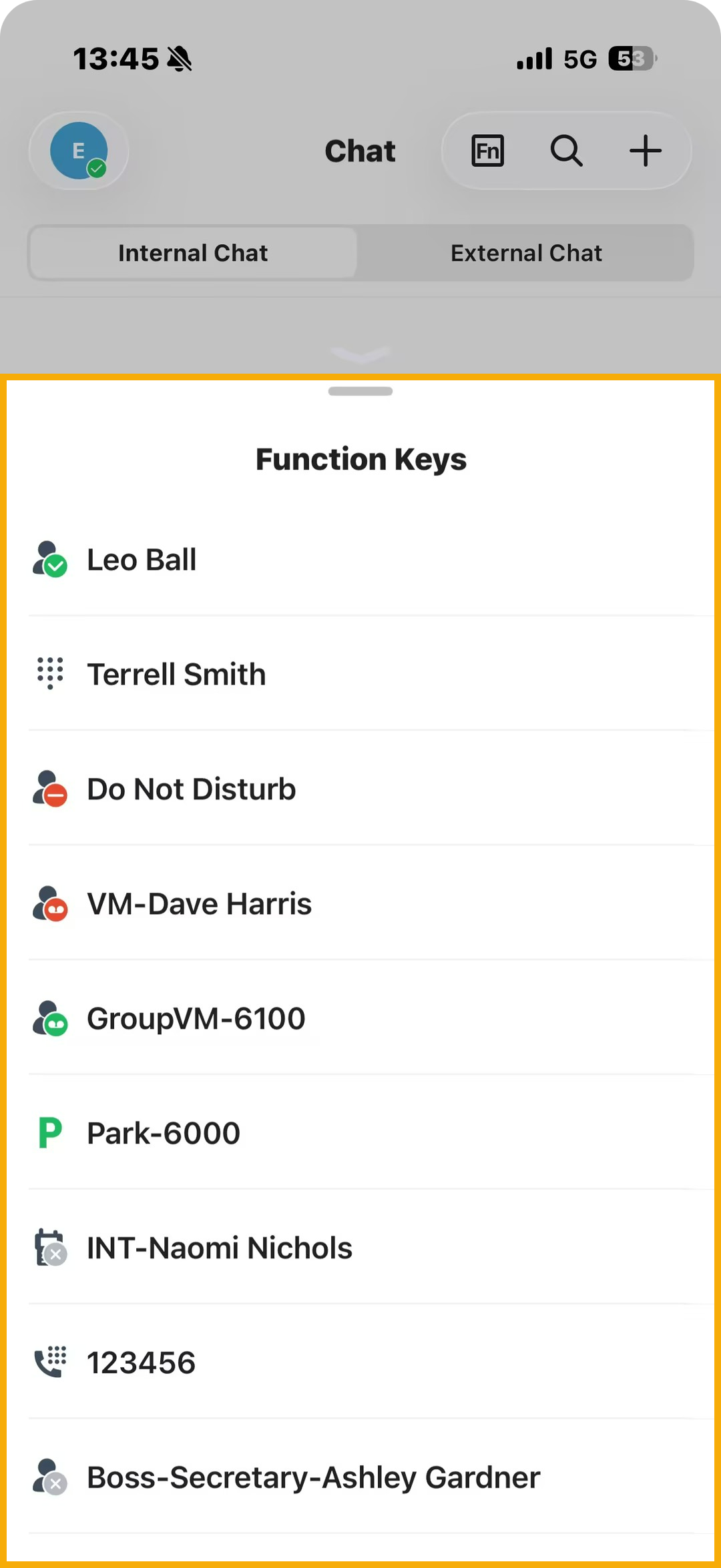
The Function Keys panel opens. It lists every configured key that the mobile app can use. Keys that only work on a physical IP phone are left out.
-
Read the monitoring status shown on a key, or tap a key to run the operation it is assigned to.
Why some function keys don’t respond during a call
Section titled “Why some function keys don’t respond during a call”While you are on a call, a few keys stop performing their normal action. What is blocked depends on the kind of call you are on.
| Call type | What is limited |
|---|---|
| One-to-one Cloud Voice App call | Tapping Speed Dial, Check Voicemail, Check Group Voicemail, Intercom, or Boss-Secretary Feature does nothing. |
| Audio conference or multi-party call | Tapping BLF, Speed Dial, Check Voicemail, Check Group Voicemail, Park & Retrieve, Intercom, or Boss-Secretary Feature does nothing. |
| GSM (cellular) call | DTMF (dual-tone multi-frequency, the tones a phone sends when you press keypad digits) sends no digits. Other call-related keys such as BLF, Speed Dial, and Voicemail still work: the app carries out the action and automatically places the current GSM call on hold. |
Question about this page?
Ask the AI assistant. It starts from this page, then searches the rest of the docs.
Ask Cloud Voice AI
Answers are AI-generated from the docs and may contain mistakes. Verify with the linked pages.