
Log Out of the Cloud Voice App
When you finish using the Cloud Voice App on your phone, or before you hand the device to someone else, you can sign out of your account from within the app. Signing out disconnects this phone from your extension so it no longer rings or shows your call activity.
Sign out
Section titled “Sign out”-
On the Calls page, tap your account in the upper-left corner.
-
Open Account Management.
-
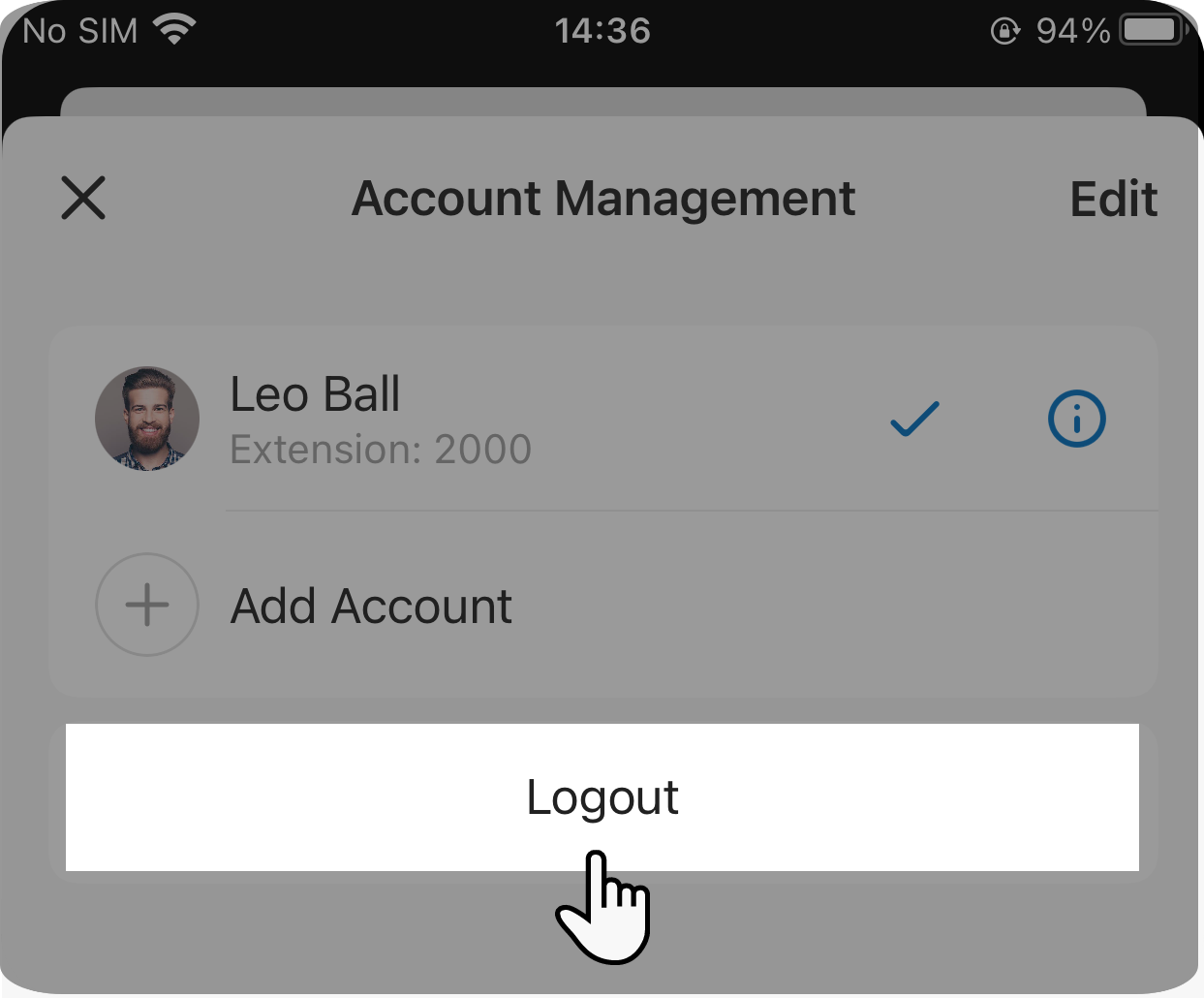
Tap Logout.
Question about this page?
Ask the AI assistant. It starts from this page, then searches the rest of the docs.
Ask Cloud Voice AI
About
Answers are AI-generated from the docs and may contain mistakes. Verify with the linked pages.