
Log Out of the Desktop App
Logging out ends your current session on the Cloud Voice App desktop client. You would do this when you finish a shift, hand the computer to someone else, or need to sign in under a different extension. It is a normal, safe action: nothing is deleted, and you can sign back in at any time with your account credentials.
Sign out
Section titled “Sign out”-
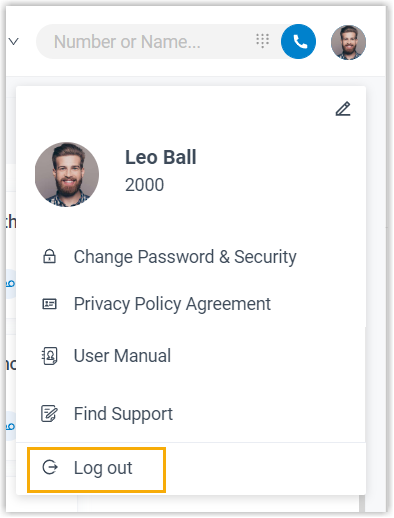
In the upper-right corner of the desktop client, select your account (your name or avatar).
-
In the menu that appears, choose Log out.
Question about this page?
Ask the AI assistant. It starts from this page, then searches the rest of the docs.
Ask Cloud Voice AI
About
Answers are AI-generated from the docs and may contain mistakes. Verify with the linked pages.