
Internal Chat Overview
Internal chat, also called instant messaging (IM), in the Cloud Voice App Web Client gives your team a built-in space to talk without leaving the app or opening a separate tool. Start a private one-to-one conversation or a group thread with coworkers, and keep it lively with emoji, images, and shared files.
What internal chat looks like
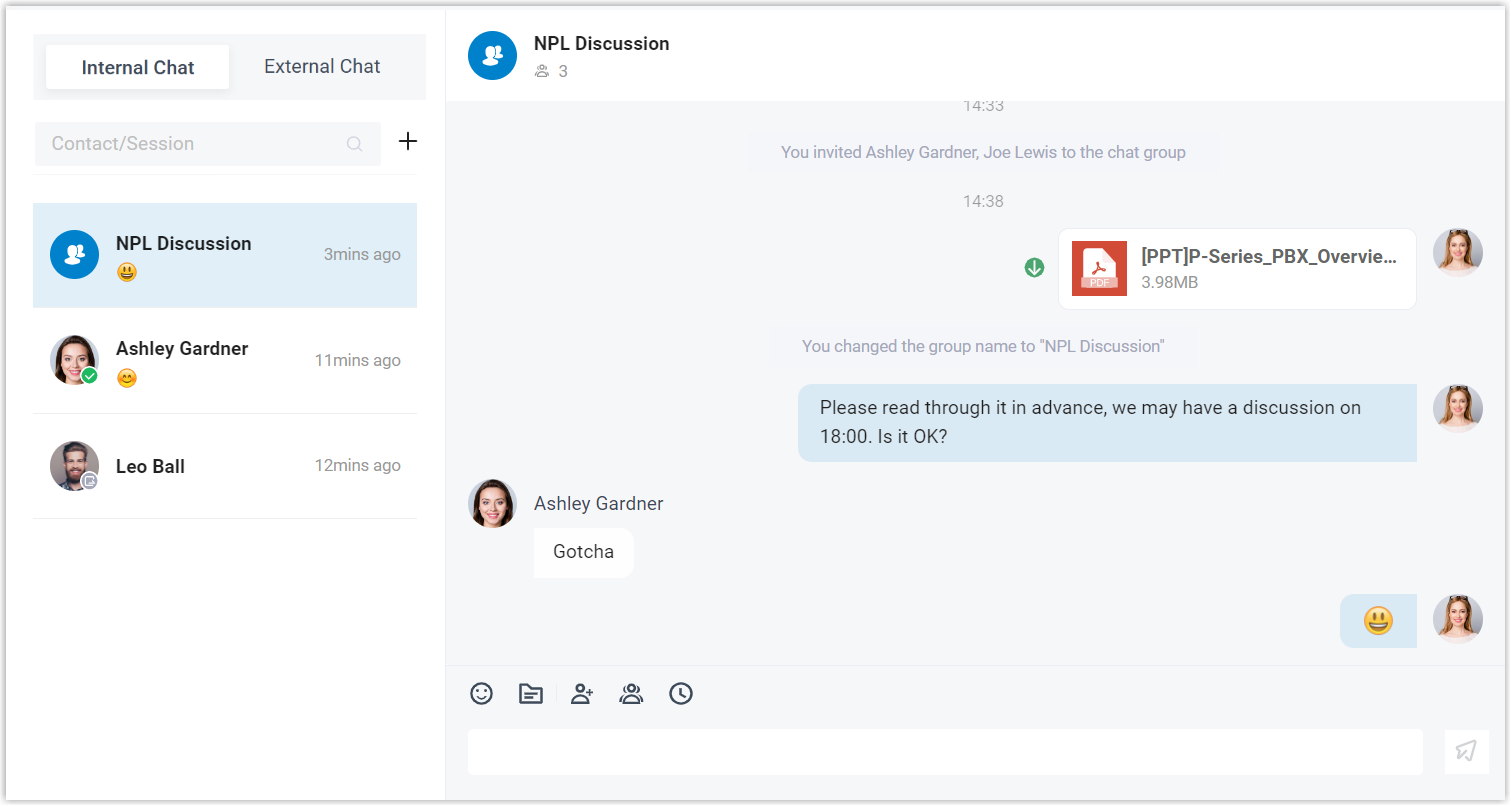
Section titled “What internal chat looks like”The chat panel lists your conversations alongside the active thread, so you can move between people and groups without leaving the app.
What you can do
Section titled “What you can do”- One-to-one and group chats: Message a single colleague privately, or bring several people together in a group thread to coordinate faster.
- Notification control: Turn pop-up and sound alerts for new messages on or off to match how you like to work.
- Synced history: Your conversations and shared files stay in sync across every Cloud Voice App client. UC (Unified Communications) clients share the same account, so the same messages and files are waiting for you whether you open the Web Client or the Mobile Client.
- More than text: Send messages and emoji, attach files and photos, or launch an audio or video call with the person you are chatting with in a single click.
Limits to keep in mind
Section titled “Limits to keep in mind”| Item | Limit |
|---|---|
| Members in a single group chat | Up to 200 |
| Group chats you can create | Up to 100 per user |
| Size of a shared file | Up to 100 MB |
| Length of retained chat history | Up to 1 year |
Question about this page?
Ask the AI assistant. It starts from this page, then searches the rest of the docs.
Ask Cloud Voice AI
About
Answers are AI-generated from the docs and may contain mistakes. Verify with the linked pages.