
Log in to the Cloud Voice App with a Google Account
When your administrator connects Cloud Voice to Google Workspace, you can access the mobile app straight from your Google account instead of entering separate credentials.
Before you begin
Section titled “Before you begin”Confirm the following are in place:
- Your administrator has linked the system to Google Workspace and turned on Single Sign-on (SSO).
- The Cloud Voice App on your device is up to date:
- iOS: version 5.14.3 or later
- Android: version 5.14.4 or later
Sign in
Section titled “Sign in”-
Launch the Cloud Voice App on your phone.
-
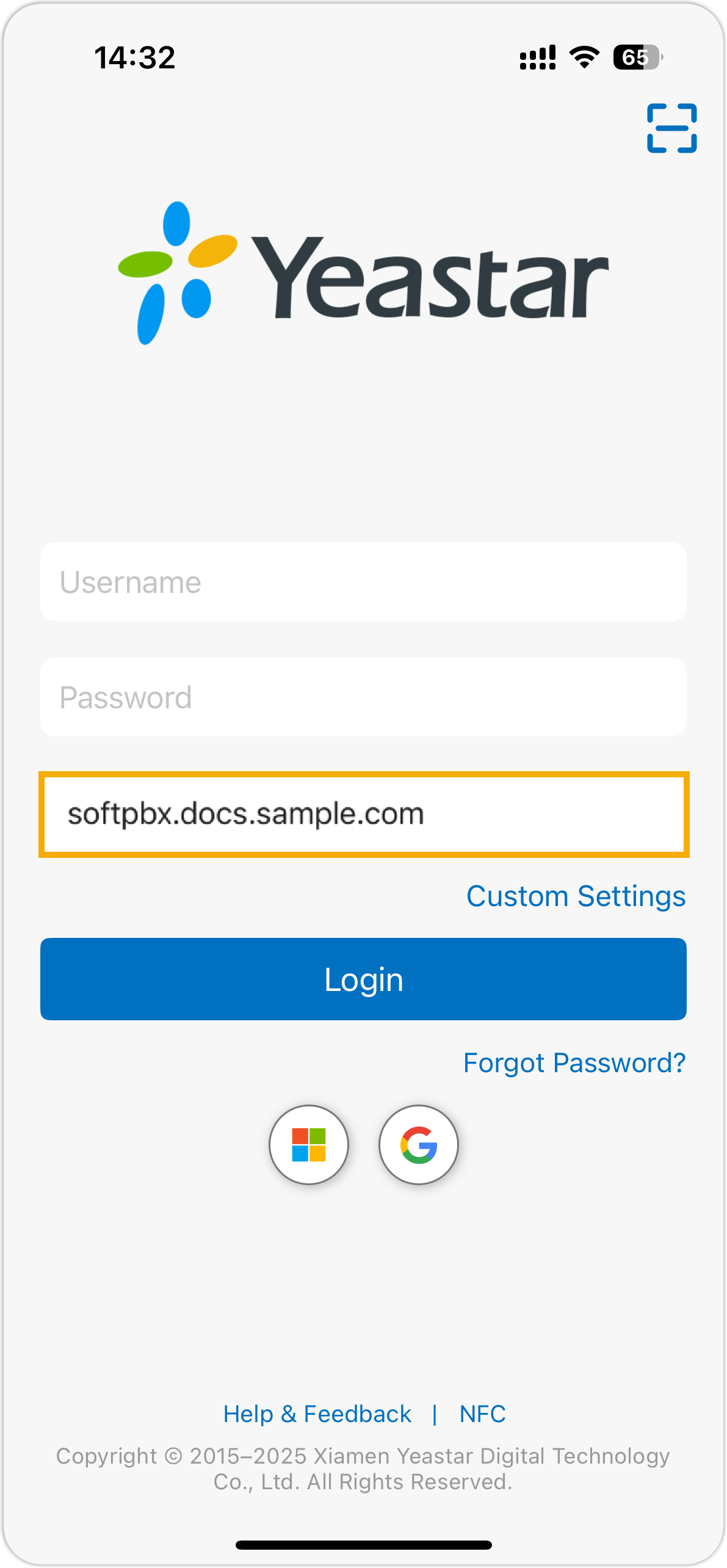
In the SN/Domain field, type the server address that has been approved for Google SSO.
-
Tap the Google icon
 and complete the Google account prompts.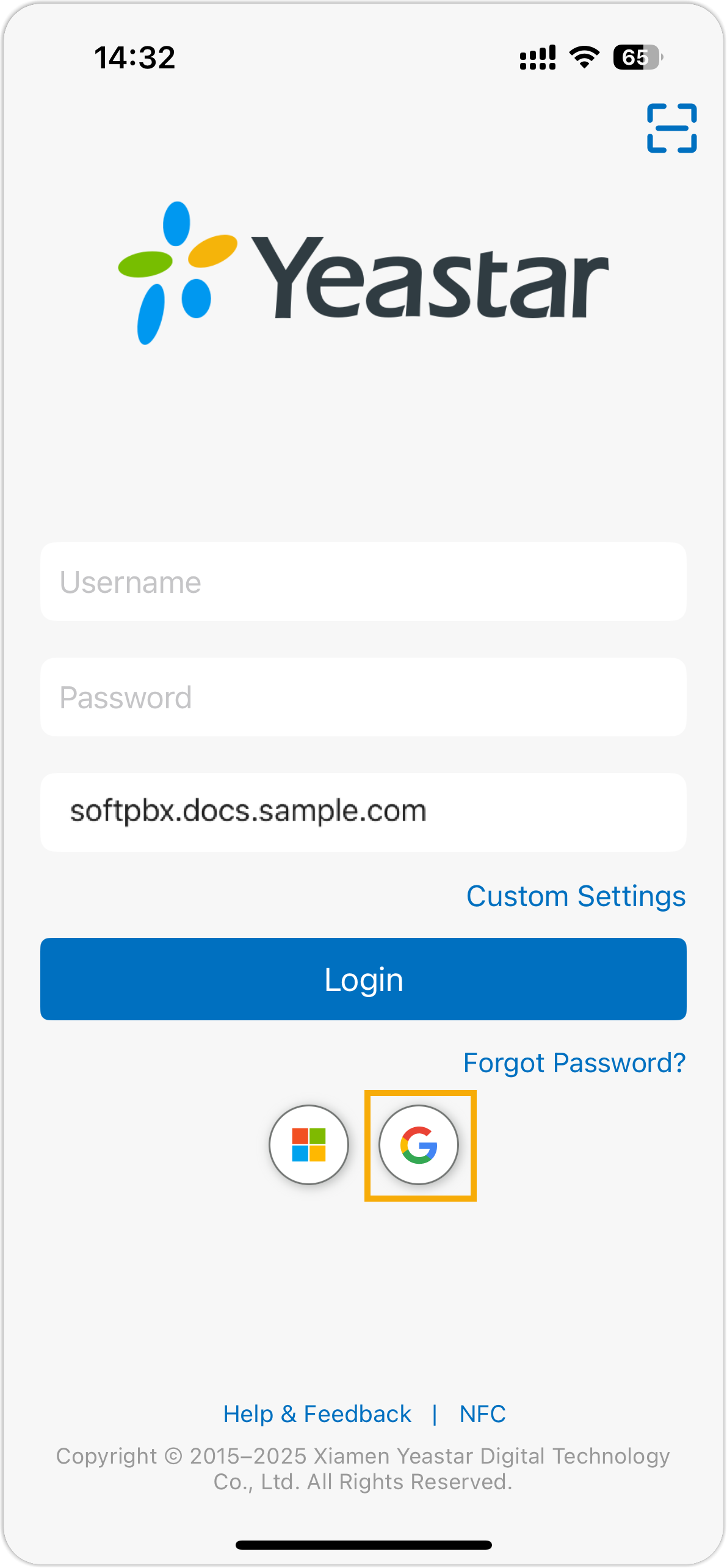
Once you finish signing in with Google, the app opens you into your account automatically.
Question about this page?
Ask the AI assistant. It starts from this page, then searches the rest of the docs.
Ask Cloud Voice AI
About
Answers are AI-generated from the docs and may contain mistakes. Verify with the linked pages.