
Configure AI Voicemail Transcription
AI voicemail transcription converts the audio of your voicemail messages into text, so you can scan, search, and act on them without listening to a recording. Set your preferences once in the Cloud Voice App and they apply everywhere you sign in, since the settings sync across all of your Cloud Voice clients.
Before you begin
Section titled “Before you begin”Confirm the following before configuring transcription:
- The PBX (Private Branch Exchange, the phone system server) is running firmware 84.19.0.110 or later.
- Your system administrator has turned on the AI Voicemail Transcription feature and granted your extension permission to use it.
Configure your transcription preferences
Section titled “Configure your transcription preferences”-
Sign in to the Cloud Voice App and open Preferences > AI.
-
Under Voicemail Transcription, adjust the settings to match how you want messages handled.
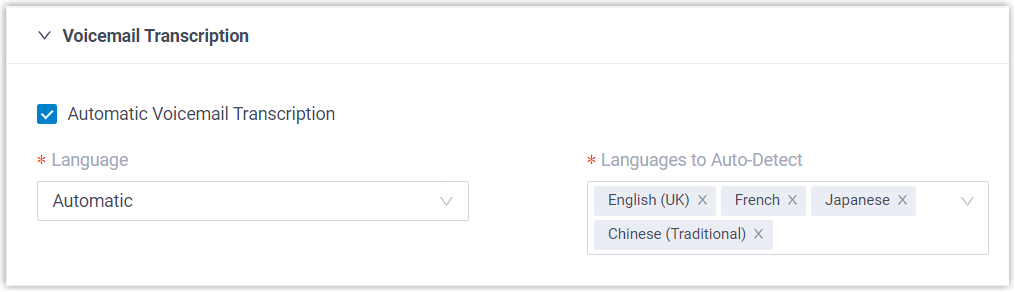
Setting What it does Automatic Voicemail Transcription Controls whether new voicemails are transcribed on arrival. It is on by default. Turn it off if you would rather leave messages as audio and transcribe only the ones you choose, on demand. Language The language your voicemails are transcribed into. You can also set this to Auto Detection so the system identifies the spoken language for each message instead of using one fixed language. Languages to Auto-Detect The set of languages the system checks for when identifying speech. It detects which of these is being spoken in each message and transcribes accordingly. -
Click Save.
What happens next
Section titled “What happens next”-
Incoming voicemails are transcribed into the language you set, either automatically or when you trigger it yourself. Transcribed messages carry an
 marker; select the
  icon to read the text.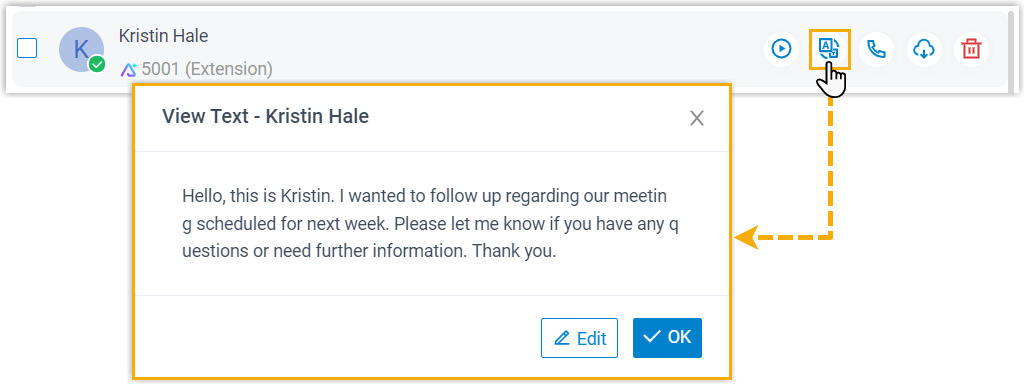
-
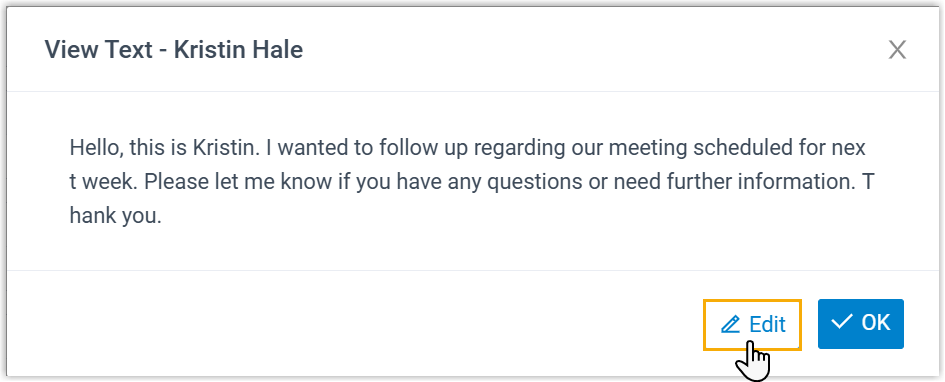
To clean up a transcription, click Edit. This is useful for fixing misheard names, clarifying details, or jotting down notes you want to keep with the message.
Question about this page?
Ask the AI assistant. It starts from this page, then searches the rest of the docs.
Ask Cloud Voice AI
Answers are AI-generated from the docs and may contain mistakes. Verify with the linked pages.