
End or Exit a Conference Call
A conference call is a single call that joins three or more people together. Once one is underway, you can step out at any time from the Cloud Voice App. What happens to the rest of the call depends on your role: the host is the participant who started the conference, and everyone else is a regular participant.
Leave the call
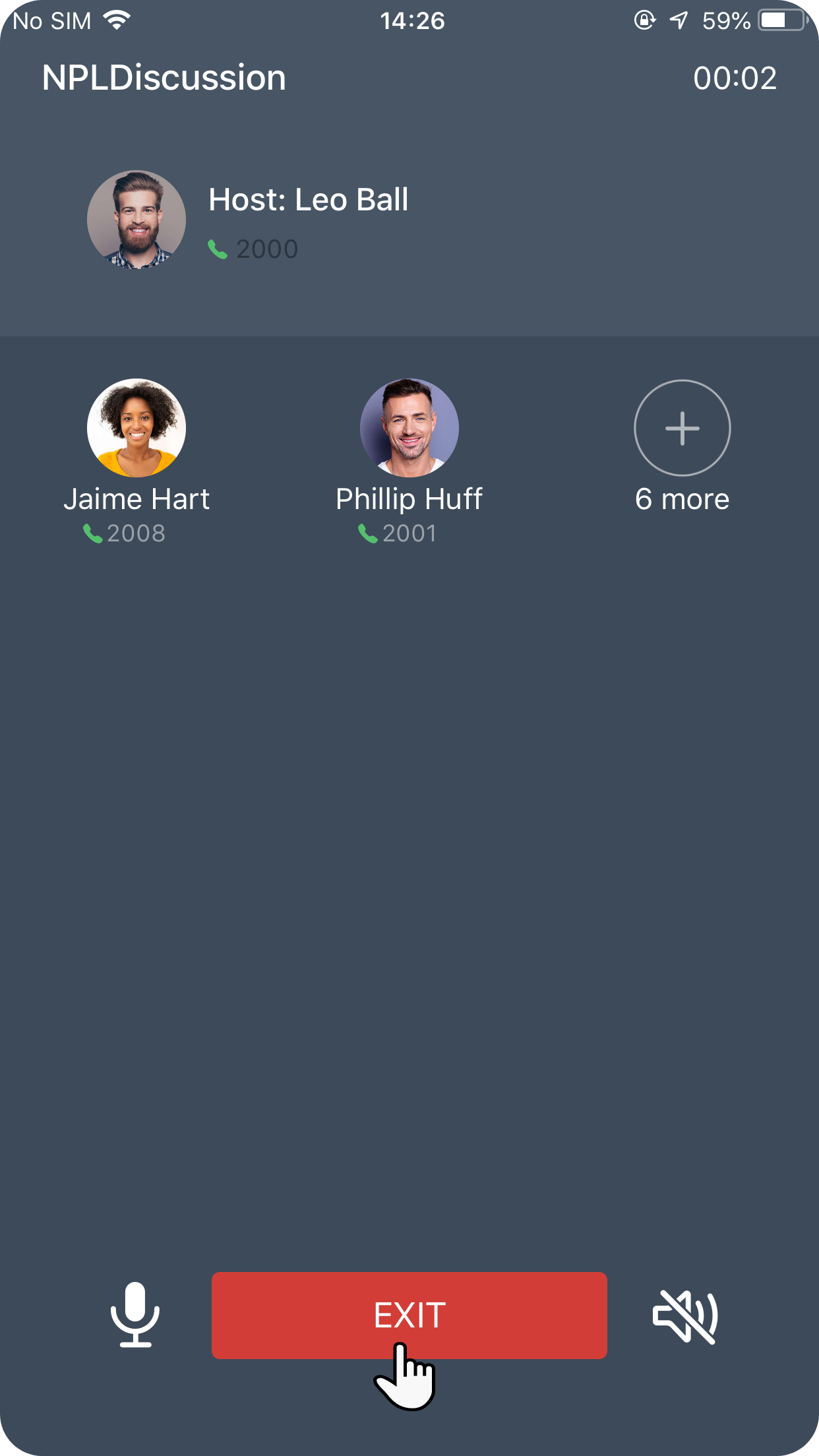
Section titled “Leave the call”While the conference is active, tap EXIT.
What happens next
Section titled “What happens next”Your role determines the outcome:
- If you are the host: tapping EXIT ends the conference for everyone and disconnects all participants at the same time.
- If you are not the host: you drop out of the conference, and the remaining participants stay connected and keep talking.
Question about this page?
Ask the AI assistant. It starts from this page, then searches the rest of the docs.
Ask Cloud Voice AI
About
Answers are AI-generated from the docs and may contain mistakes. Verify with the linked pages.