
Check Faxes
The Cloud Voice App keeps every fax you send and receive in a single place, so you can review your fax activity without leaving the desktop app. This page walks you through opening the fax list, filtering it, and previewing an individual fax file.
Before you begin
Section titled “Before you begin”Your system administrator must have granted your extension permission to send and receive faxes. If you cannot see the fax feature, contact your administrator.
View your faxes
Section titled “View your faxes”-
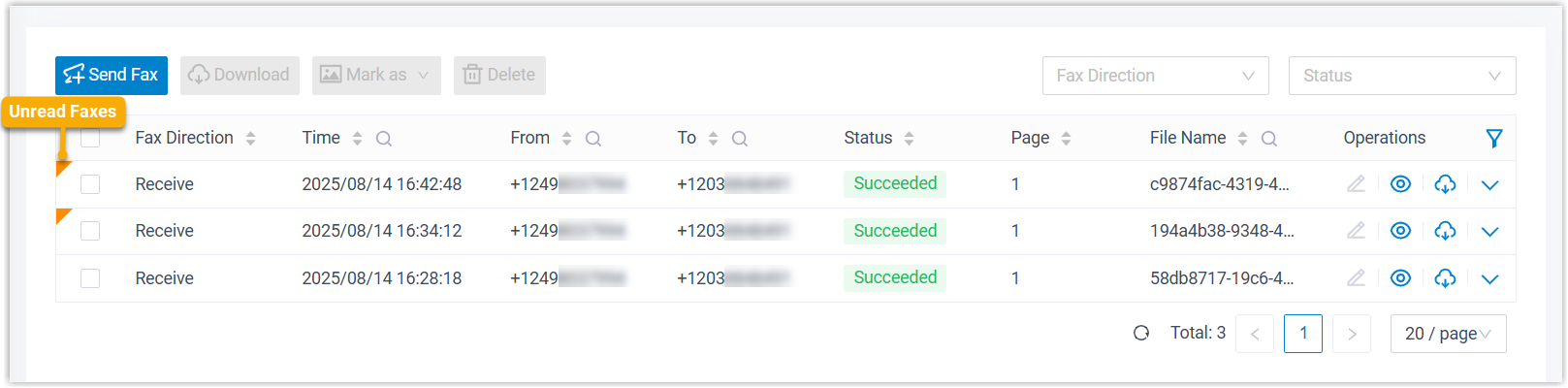
Sign in to the Cloud Voice App desktop app and go to Fax Management > Fax.
Your inbound and outbound faxes appear together in the list. Any fax you have not yet opened carries an unread badge.
-
(Optional) Use the filters in the top-right corner to narrow the list to the faxes you are looking for.
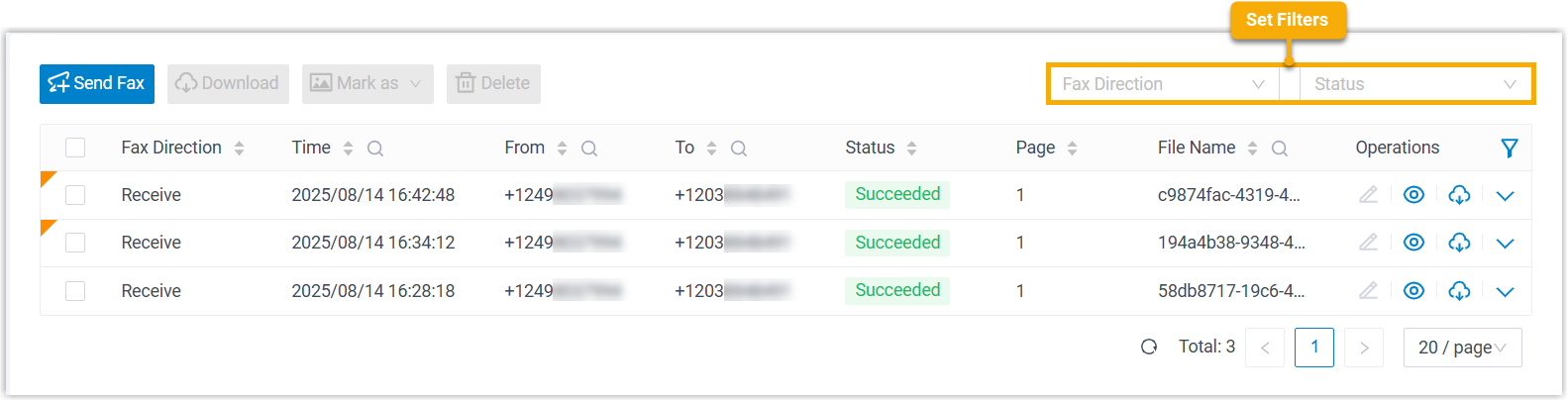
Filter What it does Fax Direction Choose Send or Receive to show only sent or only received faxes. Status Choose a status to show only faxes in that state.
The faxes that match your filters remain in the list.
Work with a fax
Section titled “Work with a fax”Once you have found the fax you need, you can preview it or act on it:
-
Preview a fax file: Click the eye icon
 to open the fax. It opens in a new tab of your default web browser, not inside the desktop app.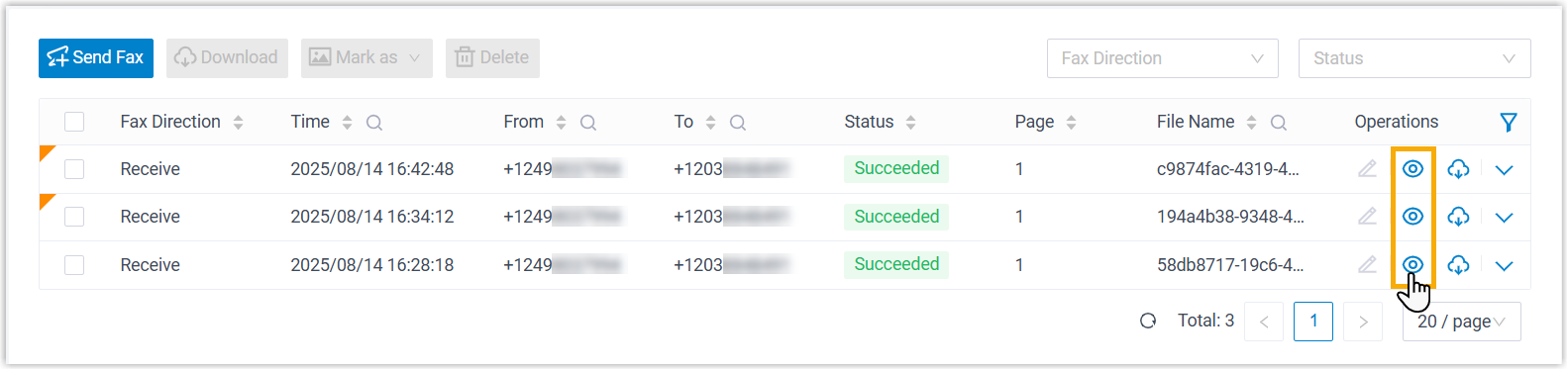
Question about this page?
Ask the AI assistant. It starts from this page, then searches the rest of the docs.
Ask Cloud Voice AI
Answers are AI-generated from the docs and may contain mistakes. Verify with the linked pages.