
Automatically Switch Agent Status Based on Extension Presence (Mobile App)
You can tie your agent status to your extension presence so that changing presence also changes how you receive queue calls. Presence is your extension’s availability state (for example, Available, Away, or Do Not Disturb). Agent status is whether you are logged in to a call queue and taking its calls. Once you link the two, switching to a presence such as Away or Do Not Disturb can log you in, log you out, or pause you in your queues with no extra steps. This guide covers the setup on the Cloud Voice App for mobile.
Set up an auto-switch rule
Section titled “Set up an auto-switch rule”-
In the top-left corner of the Cloud Voice App, tap your account.
-
Open Current Presence.
-
In the Presence list, tap
 next to the presence status you want to configure.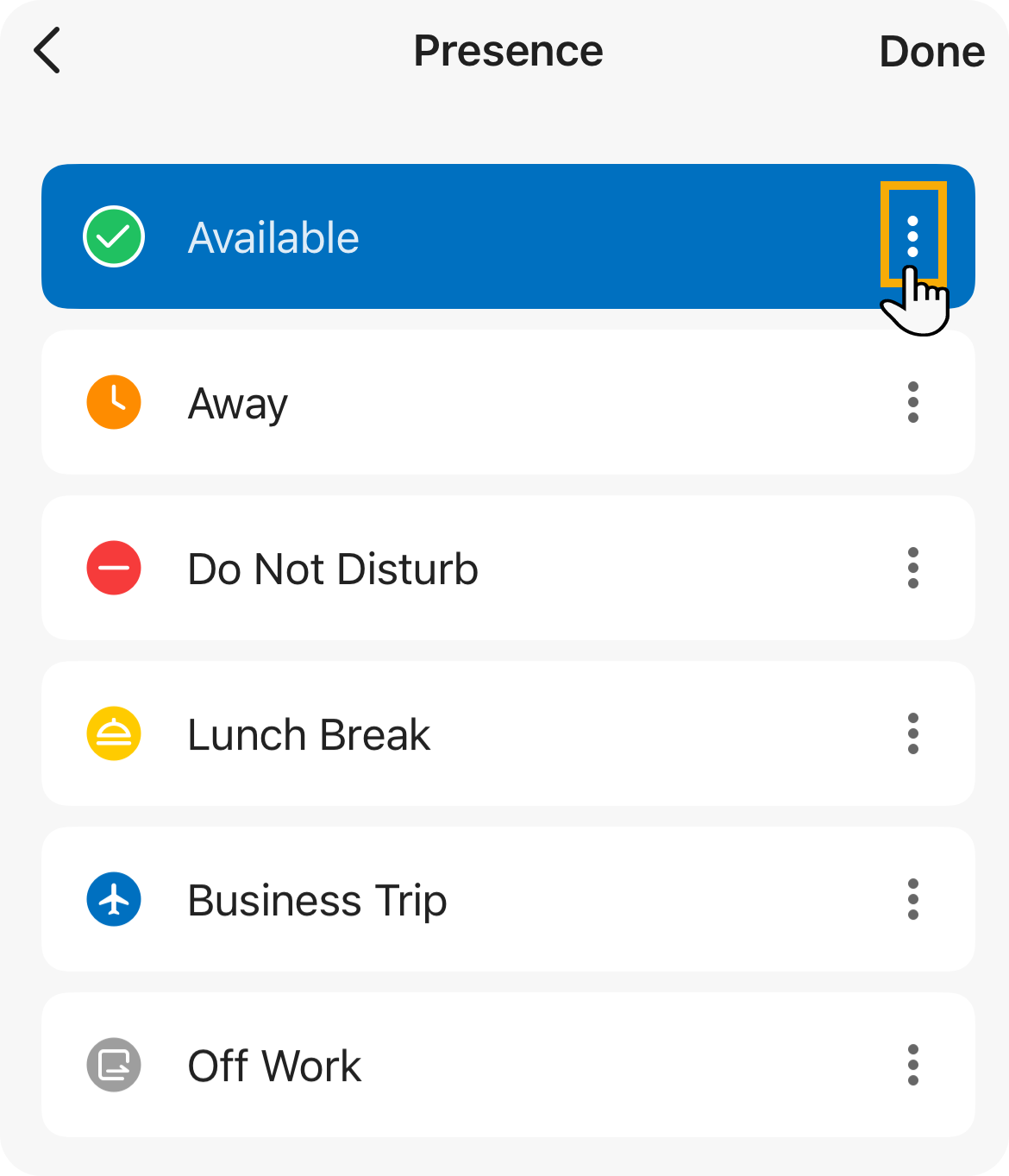
-
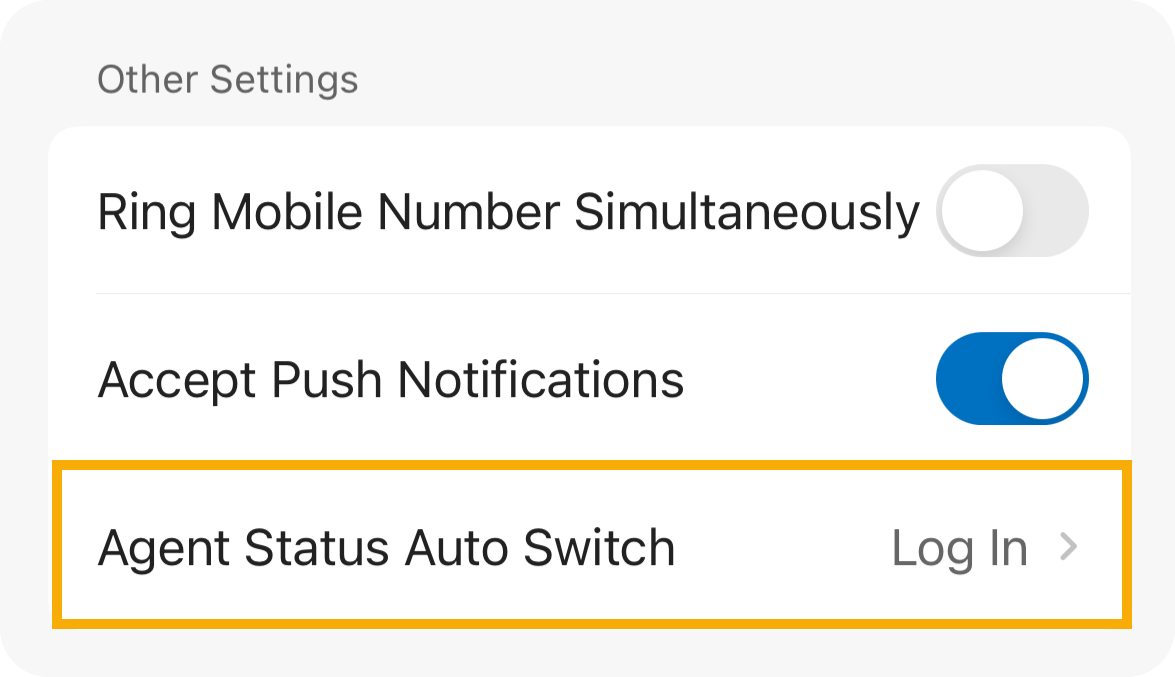
Scroll to the Other Settings section and tap Agent Status Auto Switch.
-
Choose the action that should run whenever your extension enters this presence:
Option What happens Log In You are logged in to every queue you belong to. For a dynamic agent, this logs you in to the queues; for a static agent, it resumes calls from the queues. Log in to Last Queues You are logged back in to whichever queues you were previously logged in to. For a dynamic agent, this logs you in to those queues; for a static agent, it resumes calls from them. Log Out You are logged out of every queue you belong to. Available for dynamic agents only. Pause You are paused and stop receiving queue calls. You can pick a reason from the Pause Reason drop-down list. Do Nothing Your agent status in the queues is left unchanged. -
To assign an action to another presence state, repeat steps 3 through 5 for that status.
Question about this page?
Ask the AI assistant. It starts from this page, then searches the rest of the docs.
Ask Cloud Voice AI
Answers are AI-generated from the docs and may contain mistakes. Verify with the linked pages.